What is a Map Tile Generator?
A Map Tile Generator is a software or service that processes geographic data, such as vector layers or raster images, and converts it into a structured set of pre-rendered image files, known as map tiles. These tiles are typically small square images organized by zoom level, making it efficient to display maps quickly on web and mobile applications.
How do I create custom map tiles?
To create custom map tiles, first gather and prepare your geographic data. Then, use a map tile generator tool to load your data, define styles for each layer, set the desired zoom levels and geographic extent, and initiate the tile generation process. Finally, host the generated tiles on a web server and integrate them into your application using a mapping library.
What are the best map tile generator options for US users?
For US users, popular map tile generator options include open-source tools like Mapnik and TileMill for desktop use, offering high customization. Cloud-based services such as Mapbox and Esri ArcGIS Online provide more user-friendly interfaces, extensive features, and scalable solutions for generating and hosting custom map tiles, often with subscription models.
Are there free map tile generators available?
Yes, several free and open-source map tile generators are available. Projects like Mapnik, TileMill, and tools within the QGIS ecosystem allow users to generate custom map tiles without licensing costs. These typically require local installation and a foundational understanding of GIS principles, providing powerful capabilities for those willing to invest time in learning.
Why should a local guide use a Map Tile Generator?
A local guide should use a Map Tile Generator to create highly specific and branded maps that highlight unique local attractions, custom routes, or proprietary data points not available on standard maps. This allows for personalized recommendations, improved user experience, and a stronger local identity for their audience across the United States.
map tile generator, custom map tiles, how to make map tiles, map tile generator cost, map tile generator near me, best map tile software, web mapping solutions, map data processing, open source map tools, map tile FAQUnderstanding and utilizing a map tile generator can significantly enhance your mapping projects, providing custom visualizations for everything from local businesses to expansive geographic data. This essential tool processes raw geographic information into a collection of pre-rendered image tiles, making maps load incredibly fast across web and mobile applications. For local guides and businesses in the US, knowing how to generate your own tiles means creating highly detailed, personalized maps that stand out. You can specify areas of interest, integrate proprietary data, and design unique visual styles without relying solely on standard mapping services. This guide covers what a map tile generator is, where to find reliable software or online services, how to effectively use it for your specific needs, and the key requirements for getting started. Unlock the power of customized mapping to inform, navigate, and engage your audience more effectively across the United States.
Are you looking to create highly customized maps that offer fast loading times and a unique visual experience? A Map Tile Generator is the essential tool you need, transforming complex geographic data into easily renderable image tiles. For US local guides, businesses, and developers, this technology unlocks possibilities beyond standard mapping services, allowing for bespoke designs and integration of specific points of interest. This guide will walk you through understanding, selecting, and using a map tile generator, ensuring you can produce efficient and engaging maps for various applications. From city planning to personal travel blogs, mastering map tile generation empowers you to visualize information exactly how you envision it, providing a seamless experience for your users.
The Core Problem: Standard Maps Limit Customization and Performance
Relying solely on generic online mapping services often presents significant limitations for those requiring specialized visual styles or integrating unique datasets. Standard maps can lack the specific detail or aesthetic crucial for certain projects, hindering a project's ability to convey precise information or brand identity. When you need to highlight specific zones, overlay proprietary business data, or render highly detailed terrain, off-the-shelf solutions frequently fall short. This often leads to compromises in visual design and user experience, which can be frustrating for anyone trying to build an engaging and informative map for a US audience.
Furthermore, standard map services might not always optimize for the fastest possible loading times, especially when dealing with large geographic areas or intricate detail. Each time a user interacts with a map, new data often needs to be fetched, which can introduce delays and a less fluid experience. This performance bottleneck can be a major issue for mobile applications or websites where responsiveness is key to retaining user engagement. Users in the United States expect instant feedback and seamless interaction, making performance a critical consideration for any mapping project that seeks widespread adoption and positive user reviews.
The inability to completely control the map's appearance and underlying data structure can also pose challenges for specific industries or governmental agencies. Imagine a real estate firm needing to display property boundaries with unique color coding, or an environmental group illustrating specific ecological zones with custom iconography. Generic maps simply do not offer the granular control necessary to meet these diverse and specialized requirements. This lack of tailored visual communication often forces creators to either simplify their message or invest in costly custom development, highlighting the significant gap that a dedicated map tile generator can fill.
The Actionable Resolution: Using a Map Tile Generator for Custom Mapping
How to Choose a Map Tile Generator Software or Service
Selecting the right Map Tile Generator depends largely on your project's scale, technical expertise, and budget. For individual users or small projects, open-source tools like Mapnik or TileMill offer robust features with a steeper learning curve but no licensing fees. These require local installation and a good understanding of geographic information systems (GIS) concepts. Commercial options, such as services integrated into platforms like Mapbox or Esri ArcGIS, provide user-friendly interfaces, extensive documentation, and cloud-based processing, often with subscription-based pricing. Consider if you need a desktop application for intensive local processing or a cloud-based service for scalability and ease of deployment for US-based projects.
When evaluating options, assess the types of input data the generator supports. Most generators handle common formats like GeoJSON, Shapefiles, KML, and Raster images. Ensure your chosen tool can ingest your existing geographic data seamlessly to avoid conversion headaches later on. Also, look at the output formats: while PNG and JPEG are standard for image tiles, some projects might benefit from vector tiles for greater interactivity and flexibility. Checking user reviews and community support forums can offer valuable insights into the reliability and usability of different generators, helping you make an informed decision for your specific mapping needs across US regions.
Consider the performance and scalability of the map tile generator, especially if your project anticipates a high volume of users or covers a vast geographic area. Cloud-based services often excel here, distributing the tile generation load across multiple servers, which ensures faster processing and better reliability. For local applications or limited geographic scopes, a desktop application might suffice. Evaluate the ease of integration with your existing web mapping libraries or mobile development frameworks; some generators provide ready-to-use APIs or SDKs that streamline the deployment process. This comprehensive approach ensures your chosen generator meets both your current and future mapping demands effectively.
Step-by-Step Guide to Create Map Tiles
Creating custom map tiles with a Map Tile Generator typically follows a straightforward process, regardless of the specific tool you choose. First, prepare your geographic data. This involves gathering all the layers you want to include on your map, such as roads, buildings, points of interest, or custom boundaries. Ensure your data is cleaned, properly georeferenced, and in a compatible format like GeoJSON or Shapefile. Organizing your data effectively at this initial stage will prevent issues during the tile generation process, leading to a more accurate and visually appealing final map product ready for any US location.
- Input Data: Load your prepared geographic datasets into your chosen map tile generator.
- Styling: Define the visual appearance of each data layer. This includes colors, line styles, fonts for labels, and iconographic elements. Most generators offer a styling language or graphical interface to customize these aspects. Experiment with different styles to achieve the desired aesthetic that resonates with your project's purpose and target audience in the US.
- Zoom Levels: Configure the desired zoom levels for your map tiles. Typically, maps range from zoom level 0 (entire world) to 20 or higher (street level). Generating tiles for all zoom levels can be resource-intensive, so identify the relevant range for your application. This step ensures that your map displays appropriately detailed information at every scale, from a broad US overview to local street details.
- Bounding Box: Specify the geographic extent or bounding box for which you want to generate tiles. This prevents the generation of unnecessary tiles outside your area of interest, saving processing time and storage space. For instance, if your map focuses on a specific city in the US, define its coordinates precisely.
- Processing: Initiate the tile generation process. The generator will render individual image tiles for each zoom level within your specified bounding box. This can take anywhere from minutes to hours, depending on the complexity of your data, the number of zoom levels, and the size of your geographic area.
- Output & Hosting: Once generated, your tiles will be organized into a directory structure, typically by zoom level, column, and row. You'll then need to host these tiles on a web server or a cloud storage service to make them accessible to your web or mobile mapping application.
After generation, integrate your custom map tiles into your web or mobile application using a mapping library such as Leaflet, OpenLayers, or Mapbox GL JS. These libraries provide the framework to display the tiles, handle user interactions, and add additional functionalities like markers or pop-ups. Ensure your application's code references the correct URL where your tiles are hosted. Thoroughly test your map across different devices and browsers to confirm proper rendering and functionality. This final integration step brings your customized map to life, providing a rich, interactive experience for users exploring areas across the United States.
Future Outlook: Embracing Vector Tiles and Avoiding Common Pitfalls
The future of map tile generation is increasingly leaning towards vector tiles, which offer significant advantages over traditional raster (image) tiles. Vector tiles deliver geographic data as vectors, allowing for on-the-fly styling and smoother zooming experiences without pixelation. This flexibility means you can change map styles dynamically without regenerating all tiles, a huge benefit for developers and designers creating interactive map designs for a dynamic US audience. As technology progresses, more tools will likely offer robust vector tile generation, simplifying complex geographic data visualization and enabling even richer, more responsive user interfaces for custom map applications.
When working with a map tile generator, several common pitfalls can derail your project if not addressed proactively. One frequent issue is neglecting data accuracy and proper georeferencing, leading to misaligned or incorrect map features. Always double-check your input data for errors before initiating tile generation. Another trap is generating tiles for an excessively large area at very high zoom levels unnecessarily, which consumes vast amounts of processing power and storage. Carefully define your bounding box and relevant zoom ranges to optimize resource use. Overlooking the importance of efficient hosting for your generated tiles can also lead to slow loading times, undermining the performance benefits you sought from custom tiling in the first place. Plan your hosting solution from the outset to ensure smooth delivery across the United States.
Failure to consider different device screen resolutions and network conditions can also impact user experience. While vector tiles help, ensuring your chosen styling is legible and functional across various displays remains critical. Test your maps extensively on mobile devices and different browsers to catch any rendering inconsistencies. Lastly, continuously back up your source data and generated tiles. Data loss can be a significant setback, especially for complex mapping projects involving extensive geographic data processing. By addressing these considerations, you can ensure your map tile generation efforts are efficient, reliable, and produce a high-quality product for any US-based application or local guide initiative.
Conclusion: Master Your Map Tile Generation
Harnessing the power of a Map Tile Generator empowers you to create highly performant and visually stunning custom maps, transforming raw geographic data into an engaging user experience. By understanding the process, from selecting the right tools to defining styling and integrating tiles into your applications, you gain unparalleled control over your mapping projects. This capability is invaluable for US local guides, businesses, and developers seeking to offer unique data visualizations and superior navigation. Take the next step to explore the various map tile generators available, experiment with your own datasets, and unlock a new level of customization in your digital mapping endeavors. Start building more dynamic and responsive maps today.
how to use map tile generator, best map tile generator options, custom map tile creation, map tile software requirements, online map tile tools, geographic data processing, interactive map design tools, map tile formats explained


Dynamic Tile Map Generator Utilities Tools Unity Asset Store 2fcdddf7 D507 4D8A A297 7B51C46502DA 2fcdddf7 D507 4D8A A297 7B51C46502DA 45bd56a5 D006 4cc4 8a83 6BED3B3E83FC Scaled 45bd56a5 D006 4cc4 8a83 6BED3B3E83FC Procedural Tilemap 2D By Developers Hub 5bfa8bc3 4d63 410C BB49 9cb1509c20a3 5bfa8bc3 4d63 410C BB49 9cb1509c20a3 AI Fantasy RPG World Pipeline 2026 Sorceress Blog Chart An 2026 Thumbnail 1783352934476 2026 1783352934476 1d63f253 E5FE 4d29 A4C8 9A9FF3A4176C 1d63f253 E5FE 4d29 A4C8 9A9FF3A4176C For Vale Zumzum 19WWNF 53329331 6246 4E5A A3F0 2469EC3FDDAD 53329331 6246 4E5A A3F0 2469EC3FDDAD Intelimap F7313FB1 0379 4902 A601 32FA70FFD70D F7313FB1 0379 4902 A601 32FA70FFD70D Free Pixel Art Fixer Sprite Fusion Snapper Heroimage 2D Creator 368D5CEA BDF2 4840 A890 046CD590088F 368D5CEA BDF2 4840 A890 046CD590088F Github Studio Imperium Atlas MAP12 Tiled Editor Tiledisometricmaps.

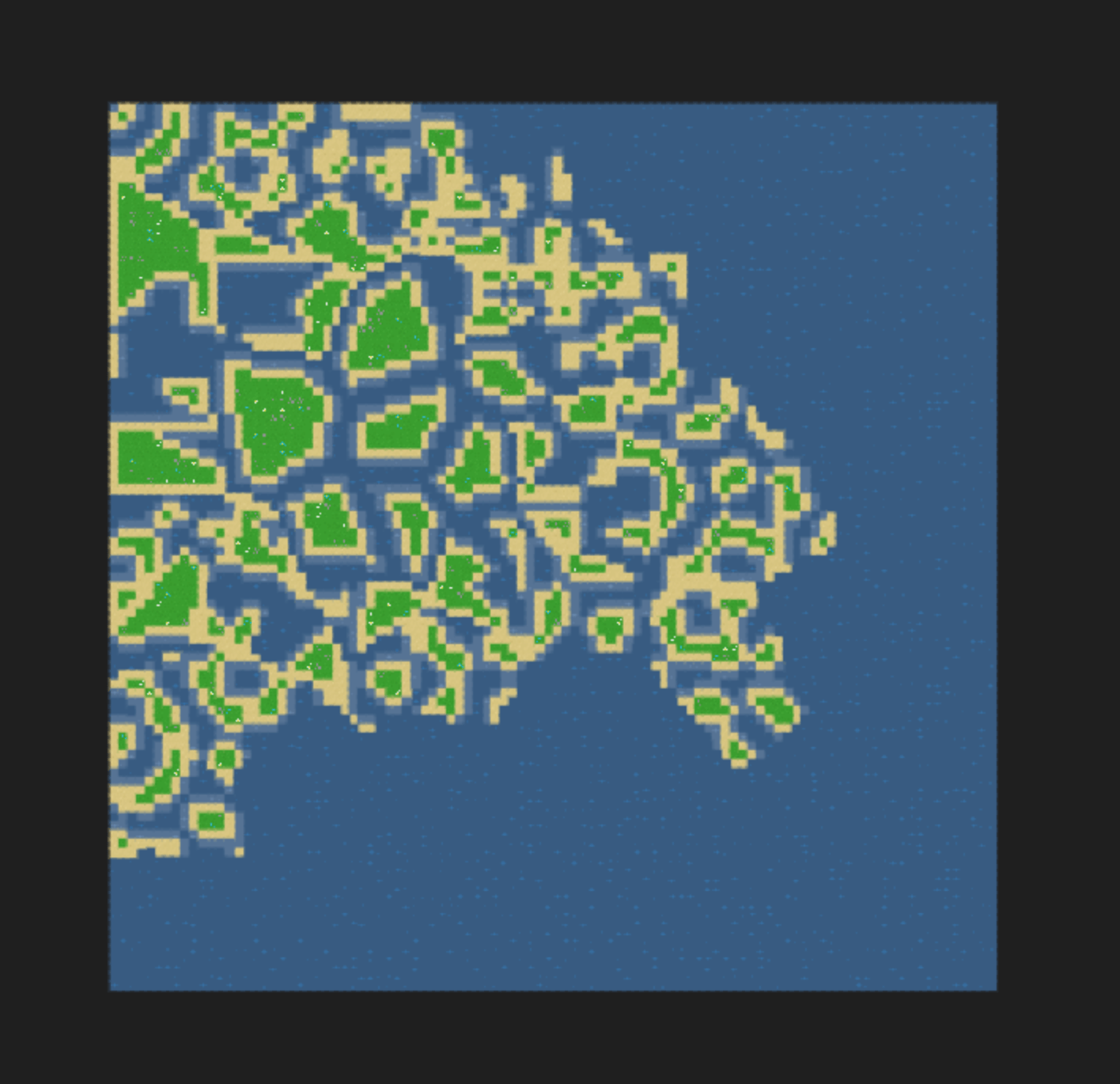

Dynamic Tile Map Generator D8CF94E3 2669 423C B2FD 4530b8a62751 Scaled D8CF94E3 2669 423C B2FD 4530b8a62751 How To Make Custom Maps For Online Games Fast With Tiled Editor Maxresdefault Github Studio Imperium Atlas MAP11 Viewer Rpg World 03E48E6B Ebcc 4a40 964D C8452F3101F5 03E48E6B 4a40 964D C8452F3101F5 WNC Isometric Tiles Creator UNITY3D Procedural By Stani Getgeneratorscreenshot Hex Best Hexagonal Tilesets Tilemaps SDVU C0383C52 768C 45c8 B57B 1D639023C00B Cover C0383C52 768C 45c8 B57B 1D639023C00B Tiledapp X Fractal Westboy Wdhyrb.


Tile A Seamless Texture Generator Game Ready Loops 2026 Sorceress 2026 Hero 1783178847961 2026 1783178847961 Map Narrative Generate Tiles Button F78EA24F72F38C0ECAA4A6838DF25FAB By Westboy Studio 6mde45 Github Bpiktel AI Fantasy RPG World Pipeline 2026 Blog Chart An 2026 BODY1 1783352945004 2026 BODY1 1783352945004 FZHL030101 Maptilegenerator Procedural Tilemap Aramserobyan HQ0MRP Imperium Atlas MAP13 Leo Drive LANELET2 LANELET2 Tiled Editor Topics 576ccb00 075E 11EB 91b4 5b3693ac8dd3 576ccb00 075E 11EB 91b4 5b3693ac8dd3 Generated 4DC023D83EBCC4039B38F96CC1AA8A6D.