Unlock the ultimate 4K gaming experience with our comprehensive guide to selecting the perfect GPU for 2026. This article navigates the latest graphics card technology, helping busy gamers understand performance metrics, budget-friendly options, and future-proofing strategies. Discover how to balance stunning visuals with smooth gameplay, ensuring your precious gaming time is spent enjoying immersive worlds rather than troubleshooting performance issues. We'll cover everything from top-tier cards for uncompromising visuals to value-oriented choices for those upgrading on a budget. Learn about VRAM importance, ray tracing capabilities, and the impact of monitor refresh rates. Get practical tips to optimize your setup, avoid common pitfalls, and make an informed decision that enhances your relaxation and fun. This guide is tailored for the average gamer, balancing work and life, seeking clear, actionable advice to elevate their 4K gaming journey without getting lost in technical jargon or marketing hype.
What are the best GPUs for 4K gaming in 2026?
The top contenders for uncompromised 4K gaming in 2026 are Nvidia's GeForce RTX 4090 and RTX 4080 Super, alongside AMD's Radeon RX 7900 XTX. These cards deliver exceptional frame rates at 4K with maxed-out settings, often including ray tracing, thanks to their powerful architectures and generous VRAM. For a slightly more budget-friendly yet still strong 4K experience, consider the RTX 4070 Ti Super or AMD RX 7900 XT, which offer excellent performance per dollar, especially when leveraging upscaling technologies like DLSS or FSR.
How much does a good 4K GPU cost in 2026?
The cost of a capable 4K GPU in 2026 varies significantly based on performance tier. Entry-level cards that can do 4K with compromises (like an RTX 4070 Super or RX 7800 XT) might range from $550 to $750. Mid-to-high-end options for consistent 60fps at high settings (RTX 4070 Ti Super, RX 7900 XT) typically sit between $800 and $1100. For the absolute best, uncompromised 4K gaming, top-tier GPUs like the RTX 4090 can cost $1600 or more, with the RTX 4080 Super and RX 7900 XTX falling in the $1000 to $1400 range.
Is 12GB VRAM enough for 4K gaming in 2026?
While 12GB of VRAM can suffice for many 4K games in 2026, it's increasingly becoming the minimum for a comfortable experience, especially in new AAA titles or with ray tracing enabled. For optimal performance and better future-proofing at 4K, 16GB or more is highly recommended. Games are continually pushing VRAM limits, and having insufficient VRAM at 4K can lead to noticeable performance drops, stutters, and texture pop-in, even if the GPU's core processing power is strong.
What CPU pairs best with a 4K GPU?
For 4K gaming, the GPU is generally the primary bottleneck, but a powerful CPU is still essential to prevent any performance hitches. A modern mid-to-high-end CPU like an Intel Core i7-13700K or i9-14900K, or an AMD Ryzen 7 7700X or Ryzen 9 7900X/7950X, will pair excellently with any 4K GPU. These CPUs provide strong single-core performance crucial for gaming and enough multi-core muscle for background tasks, ensuring your high-end GPU can consistently deliver its full potential without being held back.
Do I need a specific type of monitor connection for 4K gaming?
Yes, for 4K gaming, you'll need either DisplayPort 1.4 or HDMI 2.1 to properly support the resolution and higher refresh rates (60Hz+). DisplayPort 1.4 can handle 4K at up to 120Hz with Display Stream Compression (DSC), while HDMI 2.1 offers native support for 4K at 120Hz or even 8K at 60Hz. Ensure both your GPU and monitor have the correct ports and that you use a high-quality cable to avoid any display issues or limitations.
Can older GPUs still handle 4K gaming in 2026?
Older GPUs like the RTX 3080 or RX 6800 XT can technically output to a 4K display, but they will struggle to provide a smooth, enjoyable 4K gaming experience in demanding 2026 titles. You would likely need to drop settings significantly, disable ray tracing, and heavily rely on upscaling (DLSS/FSR) to achieve playable frame rates, often staying below 60fps. For a true 4K experience in modern games, upgrading to a current-generation GPU is highly recommended.
What's the difference between 4K and UHD gaming?
In the context of consumer displays and gaming, "4K" and "UHD" (Ultra High Definition) are often used interchangeably to refer to a resolution of 3840x2160 pixels. Technically, cinematic 4K (DCI 4K) is 4096x2160, slightly wider. However, for televisions and PC monitors, UHD is the standard used. So, when you see a "4K monitor" or "4K gaming," it almost always means 3840x2160. There's no practical difference for most gamers when discussing GPUs for 4K gaming.
Hey fellow gamers! Ever find yourself scrolling through stunning 4K game trailers, only to wonder if your current rig can actually deliver that visual feast without turning into a stuttering mess? You're not alone. Many of us, balancing demanding jobs, family life, and that precious gaming time, dream of crystal-clear 4K visuals but dread the headache of choosing the right hardware. The good news is, getting a fantastic 4K gaming experience isn't just for pro streamers with unlimited budgets anymore. It's totally achievable, and we're here to cut through the noise and help you find the best GPU for 4K gaming that fits your life and your wallet in 2026.
US gamers are spending more time than ever in digital worlds, with about 87% playing regularly and averaging over 10 hours a week across various platforms. We value that escape, the relaxation, the competitive thrill, or just chilling with friends. But nobody wants to waste time troubleshooting. This guide is your no-nonsense friend, diving deep into what makes a great GPU for 4K, how to avoid common upgrade pitfalls, and ensuring your next purchase genuinely enhances your valuable gaming sessions. Let's get your rig ready for breathtaking 4K without the stress!
What is the absolute minimum GPU for 4K gaming in 2026?
For a truly enjoyable 4K gaming experience in 2026, meaning hitting a consistent 60 frames per second (fps) in most modern AAA titles at medium-to-high settings, you're looking at GPUs like the Nvidia RTX 4070 Super or AMD RX 7800 XT as a starting point. While older cards might technically display 4K, they'll often struggle to maintain playable frame rates without significant graphical compromises. These newer mid-range cards offer a good balance of price and performance, allowing you to immerse yourself in stunning detail without breaking the bank or sacrificing smoothness. Remember, the "minimum" often means making some visual sacrifices, but these cards aim to minimize that compromise.
How much VRAM do I really need for 4K gaming this year?
VRAM, or Video Random Access Memory, is crucial for 4K gaming due to the immense amount of texture data and graphical assets that need to be loaded. For 4K, we strongly recommend a GPU with at least 12GB of VRAM. Ideally, 16GB or more offers better future-proofing and performance for graphically intensive games, especially with ray tracing enabled. Cards like the RTX 4070 Ti Super (16GB) or RX 7900 XT (20GB) demonstrate why higher VRAM is beneficial at this resolution. Games are becoming more demanding, and insufficient VRAM can lead to stuttering and reduced frame rates, even on a powerful GPU core. Don't skimp on VRAM for 4K.
What are the best high-end GPUs for uncompromised 4K gaming?
If you're chasing the absolute best 4K performance, aiming for 60fps+ with maxed-out settings and ray tracing, then the Nvidia GeForce RTX 4090 reigns supreme. Its immense power and 24GB of VRAM make it the king of 4K. For a slightly more accessible but still top-tier option, the RTX 4080 Super and AMD Radeon RX 7900 XTX offer incredible performance, often hitting high frame rates in most titles. These cards represent a significant investment but deliver an unparalleled visual fidelity and smoothness, letting you fully appreciate every pixel on your 4K display. They are designed for gamers who want zero compromises.
Are AMD GPUs a good choice for 4K gaming compared to Nvidia?
Absolutely! AMD has made significant strides in their GPU lineup, offering competitive performance for 4K gaming, often with excellent value for money. Cards like the Radeon RX 7900 XTX directly compete with Nvidia's high-end offerings, providing robust rasterization performance. While Nvidia often holds an edge in ray tracing performance and features like DLSS (Deep Learning Super Sampling), AMD's FSR (FidelityFX Super Resolution) is a strong alternative for upscaling, and their raw power at 4K is undeniable. For many gamers, particularly those looking for a strong price-to-performance ratio, AMD GPUs are a fantastic and viable choice for stunning 4K visuals.
Can I play 4K games smoothly on a budget GPU in 2026?
Playing 4K games smoothly on a strict budget in 2026 is challenging but not impossible, provided you manage your expectations. A "budget" 4K GPU typically means making compromises on graphical settings. Cards in the ~$400-600 range like the Nvidia RTX 4060 Ti (16GB version) or AMD RX 7700 XT might offer playable 4K frame rates in older or less demanding titles at medium settings. For newer AAA games, you'll likely need to heavily rely on upscaling technologies like DLSS or FSR and drop settings to low or medium. It's crucial to research benchmarks for the specific games you play with these cards at 4K resolution before committing to a purchase. You can achieve 4K, but likely not with eye-candy cranked up.
What factors besides the GPU impact 4K gaming performance?
While the GPU is king for 4K gaming, other components play vital roles. A powerful CPU (like an Intel Core i7/i9 or AMD Ryzen 7/9 from recent generations) ensures your GPU isn't bottlenecked. You'll also need ample RAM, with 16GB being the minimum and 32GB recommended for 4K, especially if you multitask. A fast SSD (NVMe preferred) significantly reduces load times. Finally, a high-quality 4K monitor with a decent refresh rate (at least 60Hz, but 120Hz+ is ideal) and adaptive sync technology (G-Sync or FreeSync) will complete the immersive experience. Don't let a weak link in your system spoil your stunning 4K visuals.
Should I prioritize high refresh rate or maximum graphical settings at 4K?
This is a classic gamer dilemma, and the answer depends on your game preferences. For competitive esports titles or fast-paced action games where every millisecond counts, a higher refresh rate (e.g., 120Hz or 144Hz at 4K) often enhances responsiveness and fluidity more than ultra-high graphical settings. However, for visually stunning single-player adventures, RPGs, or immersive open-world games, maximizing graphical fidelity with ray tracing and higher textures at a stable 60fps might offer a more cinematic and enjoyable experience. Many modern GPUs, especially high-end ones like the RTX 4080 Super or RX 7900 XTX, allow you to enjoy a great balance of both, but you might need to use DLSS/FSR to achieve those higher frame rates with max settings. Consider what you value most in your gaming sessions.
Is it worth upgrading to a 4K GPU if I only have a 1440p monitor?
Upgrading your GPU specifically for 4K gaming when you only have a 1440p monitor isn't strictly necessary for that resolution, but it can still be beneficial. A more powerful GPU than required for 1440p will easily push very high frame rates, allowing you to take full advantage of high refresh rate 1440p monitors. It also provides significant future-proofing if you plan to upgrade to a 4K monitor down the line. Furthermore, it gives you headroom for demanding tasks beyond gaming, such as video editing or 3D rendering. However, if your budget is tight and a 4K monitor isn't in your immediate plans, a GPU perfectly suited for 1440p might be a more cost-effective choice for now.
Navigating the world of GPUs for 4K gaming in 2026 might seem daunting, but with the right information, it's a journey to incredible visual fidelity. Whether you're aiming for the top-tier RTX 4090 or a more budget-conscious RX 7800 XT, understanding VRAM, performance needs, and how other components tie in is key. Remember, it's about optimizing your valuable gaming time for maximum enjoyment. We hope this guide helps you make an informed decision that elevates your relaxation and fun. What's your biggest gaming challenge when it comes to upgrading your rig? Comment below!
FAQ: Commonly Asked Questions About GPUs for 4K Gaming
Q: Do I need a special 4K monitor for a 4K GPU?
A: Yes, to experience true 4K resolution, you need a monitor that supports 4K (3840x2160 pixels). A powerful 4K GPU will downscale to your monitor's native resolution otherwise, which is a waste of its potential.
Q: Can my current power supply handle a new 4K GPU?
A: High-end 4K GPUs are power-hungry. Always check the recommended PSU wattage for your chosen GPU and ensure your current power supply meets or exceeds it, often 750W-1000W+ for top-tier cards.
Q: What is DLSS and FSR, and how do they help with 4K gaming?
A: DLSS (Nvidia) and FSR (AMD) are upscaling technologies that render games at a lower resolution and then intelligently upscale them to 4K using AI or advanced algorithms. This significantly boosts frame rates while maintaining near-native image quality, making 4K gaming more accessible.
Q: Is ray tracing important for 4K gaming?
A: Ray tracing enhances lighting, reflections, and shadows for incredible realism, especially at 4K. While demanding, it's becoming more common. If visual fidelity is your priority, a GPU with strong ray tracing performance is a must, though it will impact frame rates.
Q: How often should I upgrade my GPU for 4K gaming?
A: For optimal 4K performance, a GPU upgrade every 2-4 years is generally sufficient to stay current with demanding titles. However, with DLSS/FSR, some cards might last longer, balancing new games with slightly reduced settings.
Q: Will my 4K GPU be good for VR gaming too?
A: Most modern GPUs capable of excellent 4K performance will also handle demanding VR experiences very well, often exceeding recommended specs for current VR headsets. High VRAM and processing power are beneficial for both.
Optimal GPU selection for 4K gaming, understanding VRAM and performance, budget-friendly 4K GPU options, future-proofing your gaming setup, balancing visuals and frame rates, latest 2026 GPU recommendations.
34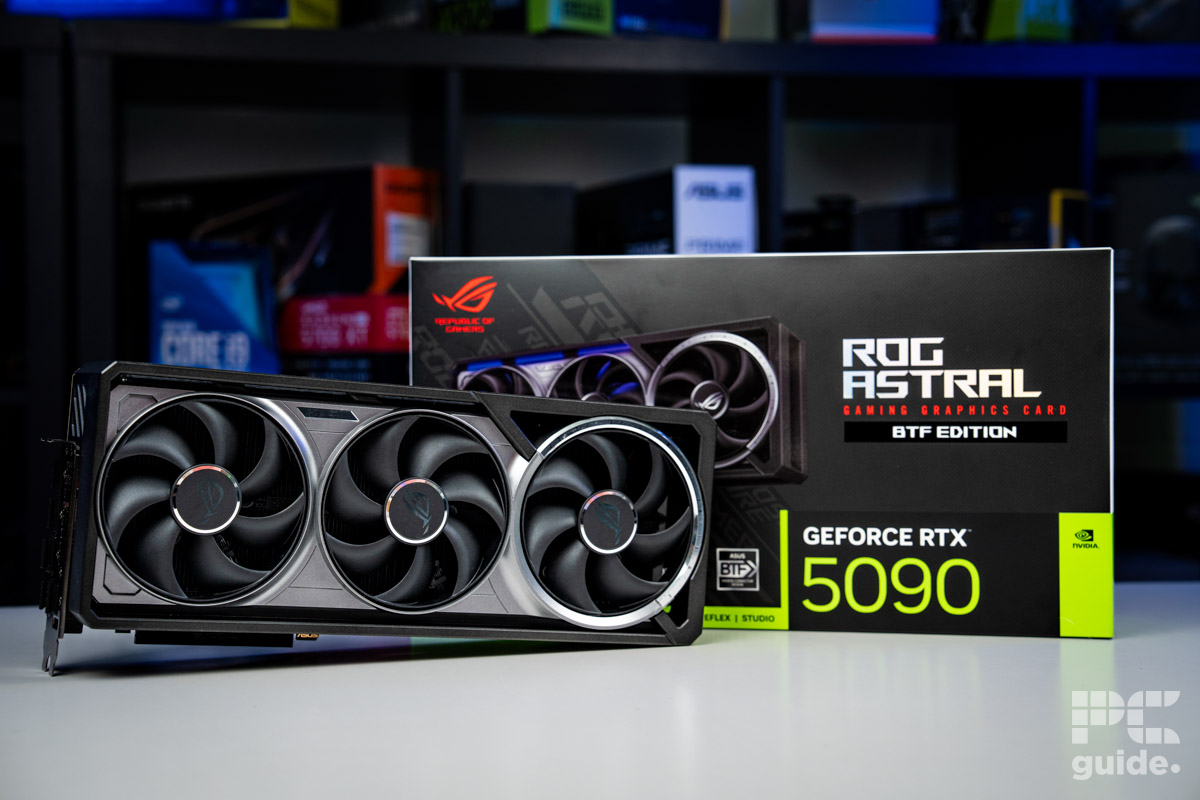
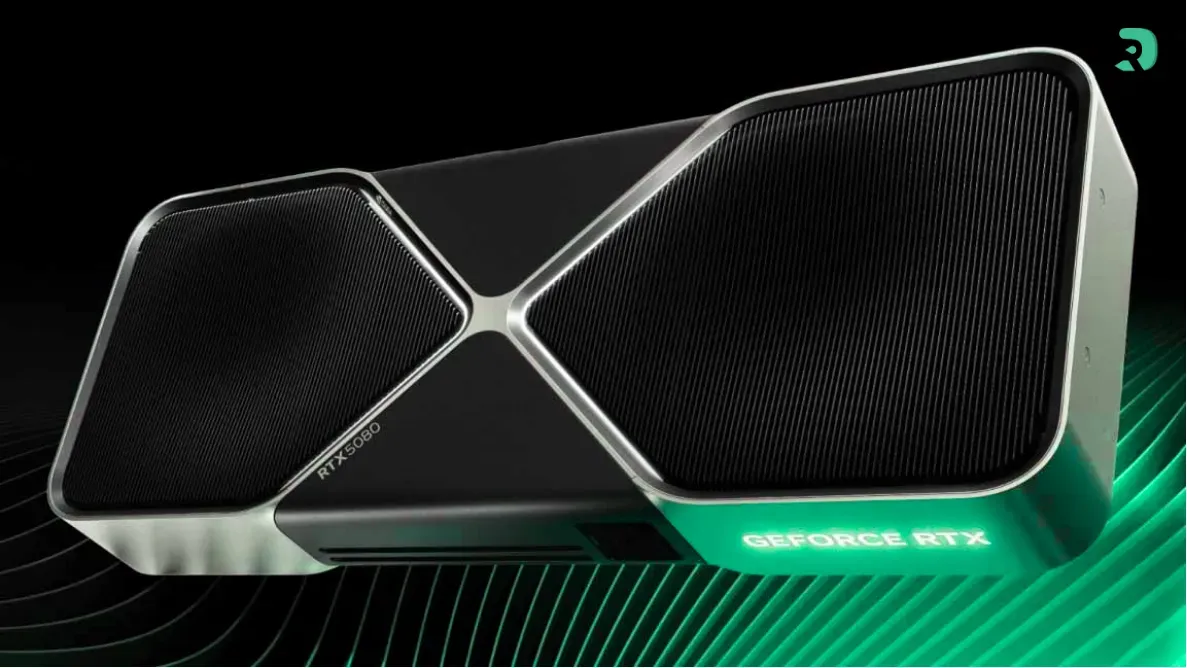
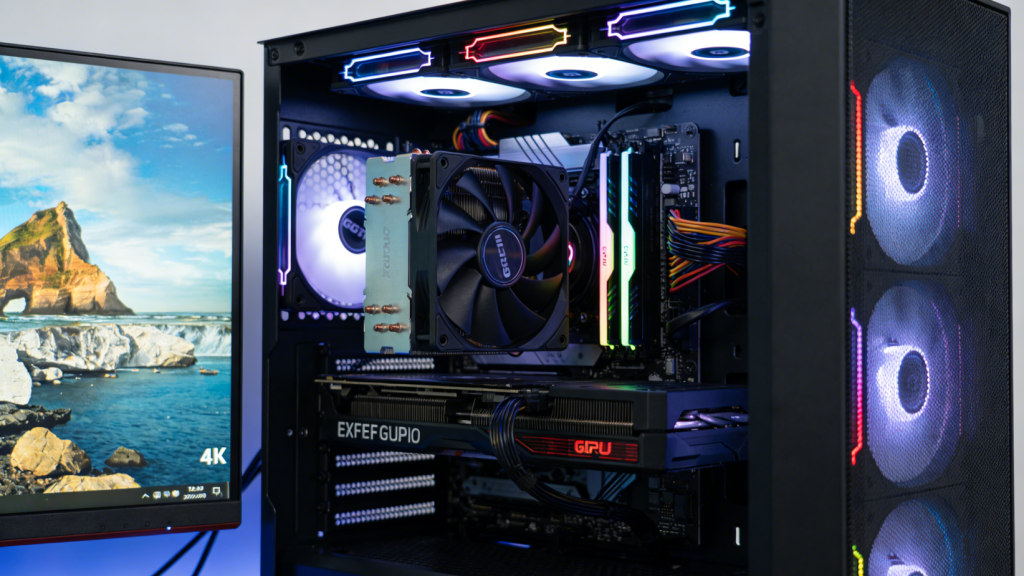
Best GPU For 4K Gaming In 2026 Our Top Picks Tested For 60 And 144Hz ROG Astral RTX 5090 BTF OC GPU And Box Image By PC Guide . Best Crimson Desert 2026 Graphics Card Top 3 GPU Gpu Rtx 5080. 2026 4K Gaming Monitors GPU Balance And Best Settings 4 3 1 1024x576 . Best GPU For 4K Gaming In 2026 Our Top Picks Tested For 60 And 144Hz Best GPU For 1440p 144Hz . Latest Graphics Cards For Gaming In 2026 UK Budget 1440p 4K Ranked Best Latest Graphics Cards 2026 Uk 1200x800



Best GPU For 4K Gaming In 2026 Our Top Picks Tested For 60 And 144Hz ROG Astral GeForce RTX 5080 OC And Mini Me In Front Image By PC Guide . Hardware 4K Gaming 2026 Welche GPU Reicht Wirklich Gigamaus De 4k Gaming 2026 Welche Gpu Reicht. Les 5 Meilleurs GPU De F Vrier 2026 Top 5 Des Gpu Fevrier 2026 Infographie 1143x2048 . 2026 4K Gaming Monitors GPU Balance And Best Settings 4 2 1 1024x576 . Best GPUs For 4K Gaming 2026 Top Picks At Every Budget




Comparatif GPU 2026 Le Guide Complet Pour Jouer En 1080p 1440p Ou 4K GPU GinjFo 2026 . Download 4k 2026 Blue 3D Digits Business Concepts Skyscrapers 2026 Thumb2 4k 2026 Blue 3d Digits Business Concepts Skyscrapers 2026 Business Concepts . 2026 4K Gaming Monitors GPU Balance And Best Settings 4 1 1 1024x576 . 2026 4K Gaming Monitors GPU Balance And Best Settings 2 3 1 . 2026 4k 2026 3 Thumb2 New Year 2026 4k 2026 3d Digits Made From Metal Purple Neon Lights 2026 3d Digits




Download 4k 2026 Mosaic Digits Blue Background 2026 Concepts Red Thumb2 4k 2026 Mosaic Digits Blue Background 2026 Concepts Red Glare . Top GPUs For Warzone 2026 SA Best Gpu For Warzone 2026 Sa Banner.webp. 4K GPU 6 GeForce Radeon 2026. Download 3d 2026 Digits 4k 2026 Concepts Red Technology Background Thumb2 3d 2026 Digits 4k 2026 Concepts Red Technology Background 2026 New Year . Best GPUs To Upgrade To In 2026 My Honest Take Tech Tactician 100420 1920x965


Gpu Buyer S Guide 2026 Best Cards For 1080p 1440p And 4k Gamtix GPU Buying Guide 2024 How To Choose The Right Graphics Card For Your Needs . Comparatif GPU 2026 Le Guide Complet Pour Jouer En 1080p 1440p Ou 4K Best OF GPU . Top 5 Graphics Cards For 4K Gaming In 2026 Graphics Cards.webp. Which GPU Should You Buy In 2026 Practical Guide For Gaming Which GPU Should You Buy In 2026 . Best GPUs For Machine Learning In 2026 Top 15 Ranked Banner 5.webp



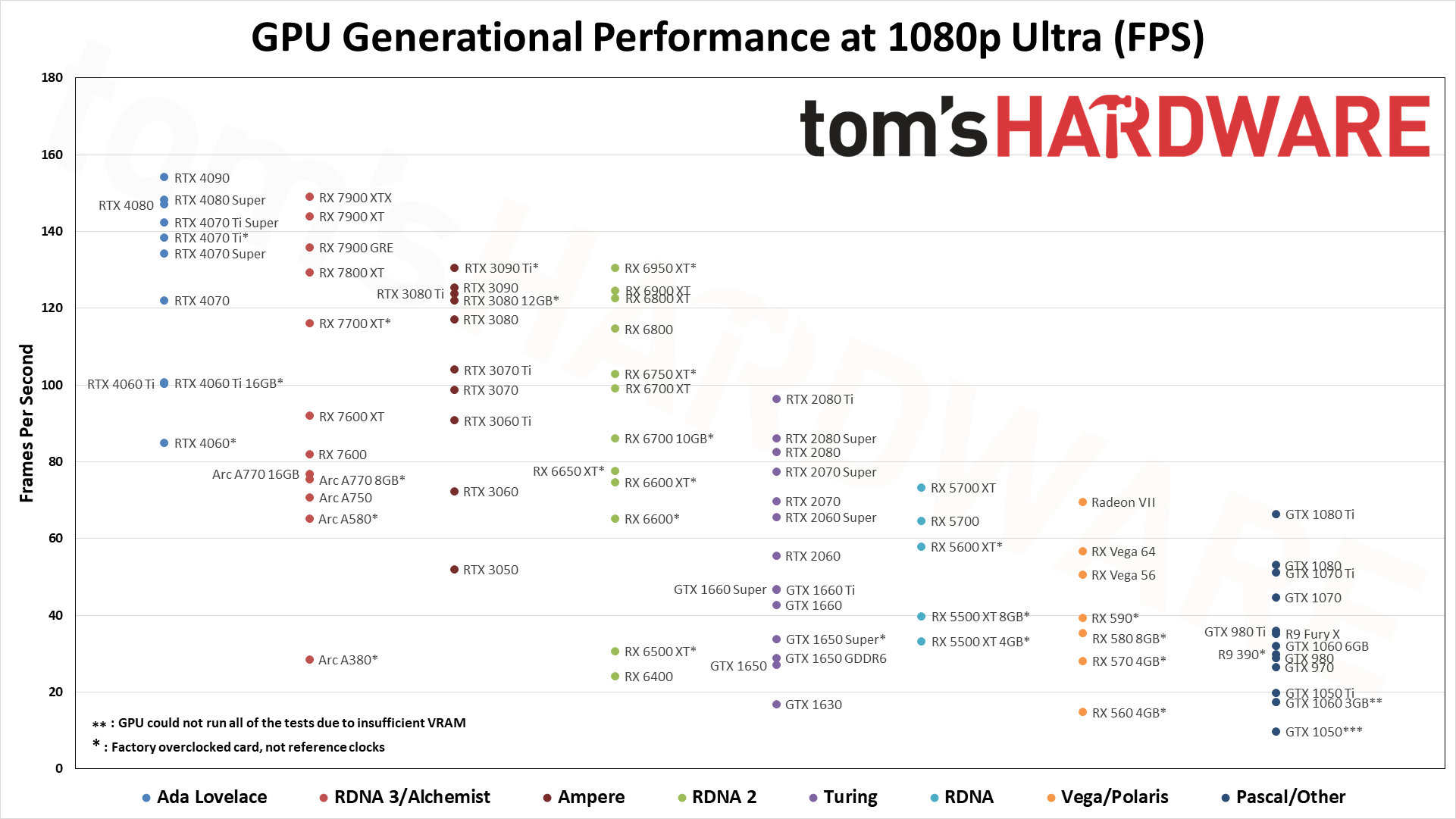
9 Best GPUs For 4K Gaming 2026 Eneba Hub Best Gpu For 4k Gaming . 5 Best GPU For Video Editing 4k And 8k In 2026 Fluence Network Best GPU For Video Editing . Download 4k 3d 2026 Digits Blue Technology Background 2026 New Year Thumb 4k 3d 2026 Digits Blue Technology Background 2026 New Year 2026 Concepts . Best GPU For 1080p 1440p 4K Gaming 2026 Guide AWD IT UK Best GPU For 1080p 1440p 4K Gaming . 2022 2024 GPU Hiearchy GPU Benchmarks Hierarchy 2026 Graphics Card
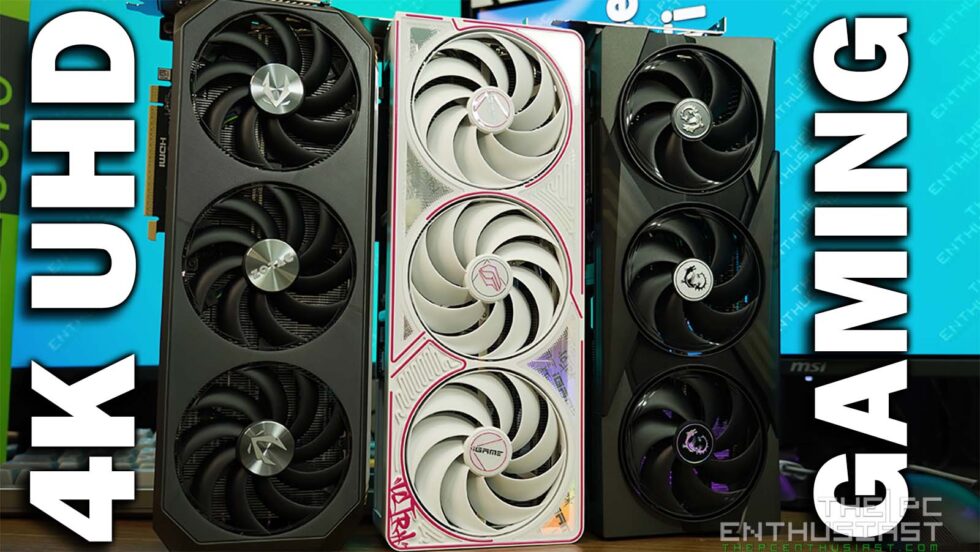

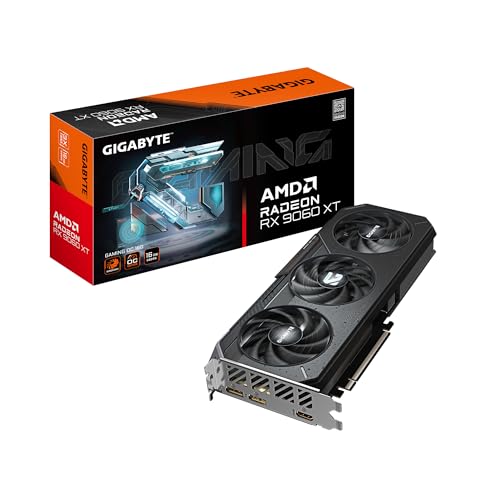
Best GPUs For 4K Gaming In 2026 RTX 5090 5080 5070 Ti And RX 9070 XT Best 4k Gaming Gpu 2026 980x552 . GPU Prices March 2026 Update Best Graphics Cards For 1080p 1440p And Rx 9070xt Rx 9070 Rtx 5070 1440p. Best Graphics Cards 2026 The Definitive GPU Buying Guide For Pro Level Gpu . 8 Best GPU For Gaming 2026 Best Picks For Smooth 1080p 1440p And 4K Cover