Are you eagerly awaiting the GTA 6 game for PC? Many gamers are, especially those balancing jobs, families, and life. This comprehensive guide addresses your top concerns, from anticipated release dates and system requirements to optimizing your current setup for peak performance. We dive into the unique advantages of the PC platform, including stunning graphics, modding potential, and the social aspects that keep gaming vibrant. Discover practical tips for managing your game time, making smart hardware upgrade choices on a budget, and troubleshooting common issues. Our goal is to empower you with the knowledge needed to enjoy GTA 6 on PC without the stress, ensuring a smooth, fun, and value-packed experience. Get ready to dive into Vice City with confidence, knowing you are prepared for everything the GTA 6 game for PC has to offer. This guide cuts through the hype to give you actionable insights.
When is GTA 6 coming to PC?
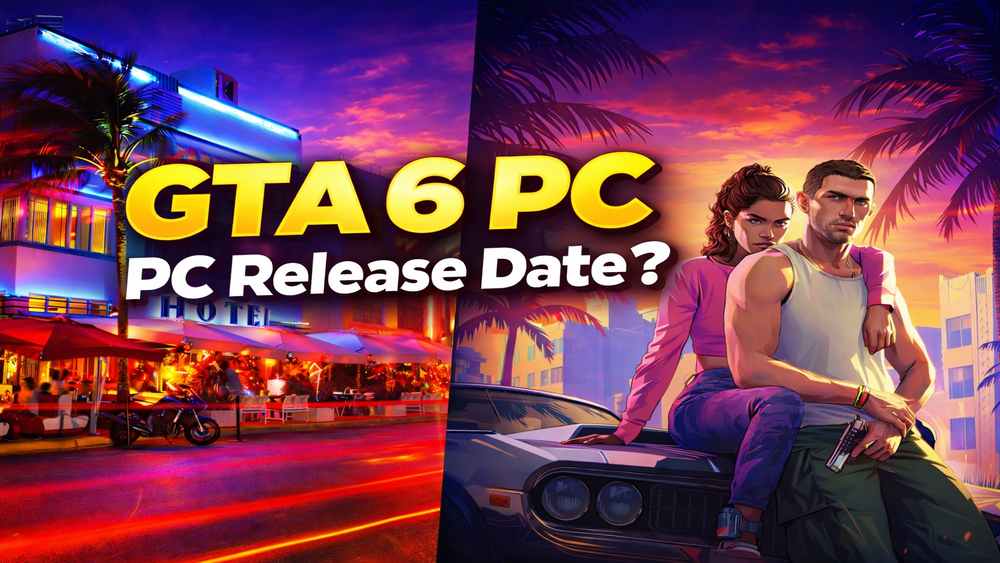
While Rockstar Games has not officially confirmed a PC release date for GTA 6, historical patterns suggest PC versions typically follow console launches. Industry analysts predict a potential window of 12 to 18 months after the initial console release in late 2025. This allows for extensive optimization for diverse PC hardware configurations and further polishing.
What are the likely minimum and recommended system requirements for GTA 6 on PC?
For a smooth experience with GTA 6 on PC, gamers should anticipate needing robust hardware. Minimum requirements are likely to include an Intel Core i5 10th Gen or AMD Ryzen 5 3000 series CPU, 16GB RAM, and an NVIDIA GeForce RTX 2060 or AMD Radeon RX 6600. For optimal performance at higher resolutions and frame rates, recommended specs will likely jump to an Intel Core i7 12th Gen or AMD Ryzen 7 5000 series, 32GB RAM, and an NVIDIA GeForce RTX 3070/4060 or AMD Radeon RX 6700XT/7700XT. SSD storage will be essential.
How will GTA 6 on PC leverage next-gen graphical capabilities and ray tracing?
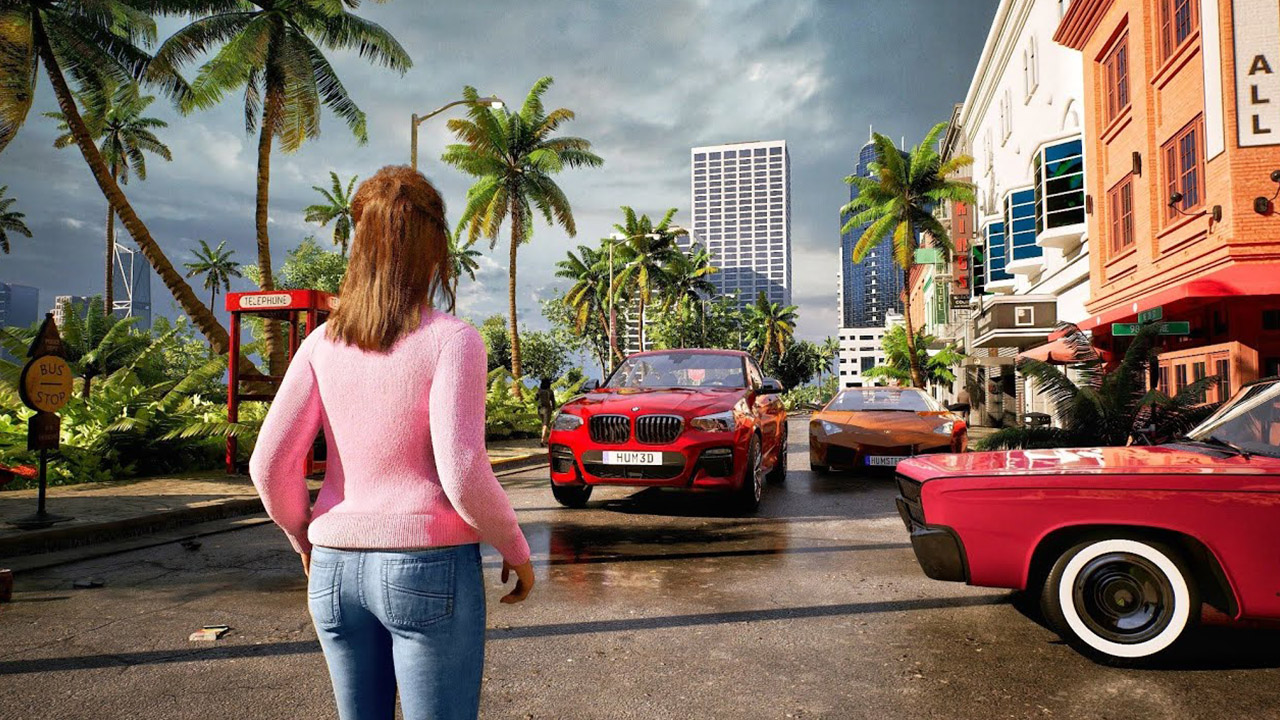
GTA 6 on PC is expected to push graphical boundaries significantly, utilizing advanced rendering techniques like path tracing and extensive ray tracing for hyper-realistic lighting, reflections, and shadows. The PC version, especially on high-end hardware, will likely offer enhanced draw distances, denser pedestrian and vehicle traffic, and incredibly detailed environments, surpassing console versions with higher fidelity textures and resolutions up to 4K or even 8K, alongside unlocked frame rates.
Can I expect GTA 6 for PC to support advanced modding tools and community content?
Rockstar has historically embraced PC modding, especially for single-player content, though GTA Online has stricter anti-cheat measures. For GTA 6 on PC, it is highly probable that a robust modding community will emerge, offering everything from visual enhancements and new vehicles to custom missions and quality-of-life improvements. While official support for mod tools isn't guaranteed initially, the PC platform's flexibility often leads to vibrant player-created content.
What advantages does the PC platform offer for GTA 6 compared to consoles?
Playing GTA 6 on PC offers several distinct advantages including superior graphical fidelity and higher frame rates, often going beyond the 60fps console cap. PC gamers benefit from modding potential, customizable control options (mouse and keyboard precision), and a wider range of display choices, including ultrawide monitors. The open nature of PC gaming also often leads to better optimization patches and more flexible hardware upgrade paths over time.
What strategies can busy adult gamers use to enjoy GTA 6 on PC without sacrificing life balance?
Busy adult gamers balancing careers and family can still enjoy GTA 6 on PC by scheduling dedicated play sessions, even short ones (30-60 minutes). Utilizing quick save features, focusing on specific missions or activities during limited time, and engaging with friends in structured co-op sessions can maximize fun. Prioritizing single-player story mode initially can also help immerse without feeling constant pressure to keep up with online trends, allowing for true relaxation and escapism.
How can I optimize my PC's performance specifically for the GTA 6 game on PC?
Optimizing your PC for GTA 6 involves several steps. First, ensure your operating system and graphics drivers are fully updated. Allocate enough SSD space for the game and consider a fresh Windows install if your system is bogged down. During gameplay, close background applications, adjust in-game graphics settings for a balance of fidelity and frame rate, and monitor CPU/GPU temperatures to prevent throttling. Overclocking components, if done safely, can also yield performance gains.
Are you one of the millions of gamers who have fond memories of navigating the chaotic, immersive worlds of Grand Theft Auto? As the hype for the Grand Theft Auto 6 game for PC builds, many of us, especially those balancing careers, families, and adult responsibilities, are feeling a mix of excitement and apprehension. We want to dive into the next chapter of Vice City with stunning graphics and smooth gameplay, but without the headaches of technical issues, expensive upgrades, or sacrificing precious personal time. You're not alone if you're wondering how to prepare for the GTA 6 game for PC release without breaking the bank or your schedule. This guide is built specifically for you, the dedicated gamer who values quality, efficiency, and a truly enjoyable experience.
US gaming statistics show that over 87% of gamers play regularly, often dedicating 10+ hours a week, but how do you fit that in when life calls? We know you seek relaxation, fun, and sometimes a bit of skill-building or social interaction through your games. The last thing you need is a frustrating setup, poor performance, or buyer's remorse. That's why we’ve pulled together the essential information, practical advice, and actionable tips for getting your system ready, optimizing your experience, and ensuring the GTA 6 game for PC becomes a source of pure enjoyment, not stress. We'll cut through the noise and provide clear answers to your most pressing questions, helping you stay current with the latest gaming trends and technology without the overwhelming hype.
When Can We Expect the GTA 6 Game for PC to Be Released?
The biggest question on every PC gamer's mind is undoubtedly, when will the GTA 6 game for PC arrive? While Rockstar Games has officially announced a console release for late 2025, a specific PC date remains unconfirmed. Historically, Rockstar titles like GTA V and Red Dead Redemption 2 have seen their PC versions launch approximately 12 to 18 months after the initial console release. This pattern allows the developers to focus on optimizing the game for a standardized console environment first, then meticulously porting and enhancing it for the diverse and complex PC hardware landscape. Therefore, it's reasonable to anticipate the GTA 6 game for PC to hit digital shelves possibly in late 2026 or early 2027. This delay, while frustrating, often results in a more polished and feature-rich PC experience.
What Are the Anticipated System Requirements for the GTA 6 Game for PC?
Given the graphical leap demonstrated in the initial trailers, the GTA 6 game for PC will undoubtedly be a demanding title. To run it smoothly, PC gamers should prepare for significant hardware requirements. Based on current trends and the demands of other next-gen titles released this month, here’s an educated guess:
- Minimum Requirements (1080p / Low-Medium Settings / 30fps):
Operating System: Windows 10 (64-bit)
Processor: Intel Core i5-10400F or AMD Ryzen 5 3600
Memory: 16 GB RAM
Graphics Card: NVIDIA GeForce GTX 1660 Super or AMD Radeon RX 5700
Storage: 150 GB SSD (NVMe recommended)
DirectX: Version 12 - Recommended Requirements (1440p / High Settings / 60fps):
Operating System: Windows 10/11 (64-bit)
Processor: Intel Core i7-12700K or AMD Ryzen 7 5800X3D
Memory: 32 GB RAM
Graphics Card: NVIDIA GeForce RTX 3070 or AMD Radeon RX 6700 XT
Storage: 150 GB NVMe SSD
DirectX: Version 12 - Ultra Requirements (4K / Ultra Settings / 60+fps with Ray Tracing):
Operating System: Windows 11 (64-bit)
Processor: Intel Core i9-13900K or AMD Ryzen 9 7950X3D
Memory: 32 GB DDR5 RAM
Graphics Card: NVIDIA GeForce RTX 4080 or AMD Radeon RX 7900 XTX
Storage: 150 GB Gen 4 NVMe SSD
These are speculative, but they illustrate that a solid-state drive (SSD) will be practically mandatory for fast loading times and a smooth open-world experience. Planning for 32GB of RAM is also becoming standard for modern gaming, especially if you multitask or stream.
How Can I Prepare My PC for the GTA 6 Game to Ensure Smooth Performance?
Getting your rig ready for the GTA 6 game for PC involves more than just checking specs; it's about optimization. For busy adult gamers who value performance and efficiency, here are key steps:
- Update Your Drivers: This is non-negotiable. Ensure your graphics card drivers (NVIDIA GeForce Experience or AMD Adrenalin), chipset drivers, and Windows operating system are all up-to-date. Outdated drivers are a leading cause of performance issues.
- Free Up SSD Space: The GTA 6 game for PC will likely have a massive installation size. Make sure you have at least 150GB of free space on a fast SSD. Uninstall old games or programs you no longer use.
- Optimize In-Game Settings: Once the game is out, don't just crank everything to max. Experiment with settings like shadow quality, anti-aliasing, and view distance. Often, minor reductions in these areas can yield significant frame rate improvements with minimal visual impact.
- Manage Background Applications: Before launching the GTA 6 game for PC, close unnecessary applications running in the background. Discord, web browsers, streaming apps, and even certain antivirus programs can consume valuable CPU, RAM, and GPU resources.
- Monitor Temperatures: Overheating components can lead to performance throttling. Use software like HWMonitor or MSI Afterburner to keep an eye on your CPU and GPU temperatures. Ensure your PC has good airflow and clean out dust from fans and heatsinks regularly.
- Consider a Fresh Windows Install: If your system feels sluggish overall, a clean installation of Windows can work wonders, removing years of accumulated bloatware and corrupted files, giving the GTA 6 game for PC a fresh environment.
Will the GTA 6 Game for PC Support Extensive Modding Like Previous Titles?
The modding community has been a cornerstone of Grand Theft Auto's longevity on PC, breathing new life into older titles with incredible user-created content. While Rockstar Games maintains strict anti-cheat policies for GTA Online, which limit online modding, the single-player experience has historically been a modder's playground. For the GTA 6 game for PC, it is highly probable that a vibrant modding scene will emerge, offering everything from graphical overhauls, new vehicles, custom characters, and even entirely new missions. The PC platform's open nature fosters this creativity, and many gamers, especially those seeking fresh content after completing the main story, look forward to the innovative modifications that will inevitably appear. This level of customization is a major draw for PC gamers, allowing for unique, personalized experiences beyond what consoles can offer.
What Are the Benefits of Playing the GTA 6 Game on PC Versus Console?
For many gamers, the choice between PC and console for the GTA 6 game boils down to personal preference and priorities. However, the PC platform offers several distinct advantages:
- Superior Graphics and Performance: PCs, especially high-end rigs, can deliver significantly higher frame rates (often 100+ FPS compared to console 30-60 FPS) and higher resolutions (4K, 8K) with more detailed textures and advanced graphical effects like ray tracing, surpassing console capabilities.
- Modding Potential: As discussed, the ability to customize and extend the game's life with user-created mods is a huge draw for PC gamers.
- Precision Controls: Mouse and keyboard offer unparalleled aiming precision in action games, a crucial advantage in competitive or fast-paced scenarios. While controllers are supported, the flexibility is there.
- Upgradeability: PC hardware can be upgraded component by component, extending the life of your gaming system and allowing you to gradually enhance performance as new games demand it, often more cost-effectively than buying a whole new console generation.
- Wider Display Options: PC supports a vast array of monitors, including ultrawide, high refresh rate, and G-Sync/FreeSync displays, providing an immersive visual experience tailored to your preferences.
- Multitasking: PC allows for seamless switching between the game and other applications, perfect for chatting on Discord with friends, looking up guides, or streaming your gameplay.
For the average 36-year-old gamer, these benefits translate to a more immersive, customizable, and visually stunning experience that truly leverages the power of modern gaming hardware.
How Can Busy Adults Balance Playing the GTA 6 Game with Work and Family Life?
The struggle is real for many adult gamers. We love our games, but work deadlines, family commitments, and life's demands often take priority. Here’s how you can still enjoy the GTA 6 game for PC without feeling overwhelmed:
- Schedule Your Playtime: Treat gaming like any other appointment. Dedicate specific blocks of time, even short ones (30-60 minutes), and stick to them. This helps manage expectations for both you and your family.
- Utilize Quick Saves and Pauses: Be ready to pause or save at a moment's notice. The beauty of single-player games like GTA is often the ability to drop in and out.
- Focus on Short Objectives: Instead of trying to complete an entire storyline in one go, break it down. One mission, a few side quests, or a quick online activity can be satisfying and manageable.
- Communicate with Your Family: Let your partner or family know when you plan to game. This avoids interruptions and fosters understanding.
- Embrace Social Gaming Smartly: Connect with friends on Discord and plan specific co-op sessions in GTA Online. This makes social gaming more efficient and enjoyable, turning it into quality friend time rather than aimless wandering. Remember, building friends online and de-stressing are valid reasons to game!
- Prioritize Fun Over FOMO: Don't feel pressured to keep up with every new trend or complete every single in-game challenge. Play for relaxation and enjoyment. It's a game, after all. Current trends show a rise in social and cozy games, emphasizing fun over hardcore competition, a lesson that applies to major titles too.
Are There Any Budget-Friendly Hardware Upgrades for the GTA 6 Game for PC?
Upgrading for the GTA 6 game for PC doesn't always mean buying an entirely new system. Many adult gamers operate on a budget, and smart upgrades can make a big difference:
- SSD Upgrade: If you’re still on a traditional HDD, upgrading to an NVMe SSD is arguably the best performance boost for the money. Games load incredibly fast, and the overall system responsiveness improves dramatically. Prices for 1TB NVMe drives are very reasonable this month.
- More RAM: If you have 8GB or 12GB of RAM, upgrading to 16GB or even 32GB (especially if you multi-task) can significantly reduce stuttering and improve overall system fluidity for demanding games.
- Graphics Card (Used Market): A new high-end GPU can be pricey. Consider the used market for previous-generation cards like an RTX 2070 Super, RTX 3060, or RX 6700 XT. These still offer excellent performance for 1080p and often 1440p gaming and can be found at a fraction of their original cost. Always buy from reputable sellers.
- CPU Cooling: An affordable aftermarket CPU cooler (air or AIO liquid) can significantly improve thermal performance, allowing your CPU to boost higher and longer, preventing throttling issues, especially if you have a powerful but hot-running processor.
- Power Supply Unit (PSU): If you’re upgrading your GPU, ensure your PSU has enough wattage and the necessary connectors. A good quality, efficient PSU is critical for system stability and longevity.
How Important Is a Good Internet Connection for GTA 6 Online PC?
For the single-player campaign of the GTA 6 game for PC, a fast internet connection is primarily needed for the initial download and any subsequent updates. However, for the online component, Grand Theft Auto Online, a stable and fast internet connection is absolutely crucial. A strong connection minimizes latency (ping), reduces lag, and ensures a smooth, uninterrupted multiplayer experience. In an open-world environment with potentially dozens of players, a poor connection can lead to desynchronization issues, rubber-banding, and frustrating disconnections. US gamers, who dedicate over 10 hours a week to gaming, often value social play, and reliable internet is the backbone of that experience. Invest in a stable broadband connection, ideally fiber, and consider a wired Ethernet connection over Wi-Fi for the most consistent performance.
What Are the Social Aspects of GTA 6 PC Gaming and How Can I Engage?
The social aspects of GTA have always been a huge draw, and the GTA 6 game for PC will likely amplify this. For adult gamers, this isn't just about showing off; it's about connecting with friends, building communities, and unwinding together. Here's how to engage:
- Join Crews/Clans: GTA Online thrives on player-created crews. Join one that aligns with your playstyle, whether it's casual cruising, intense heists, or competitive missions.
- Discord Communities: Outside the game, Discord is the go-to platform for voice chat, planning sessions, and building camaraderie. Many game-specific and general PC gaming communities exist.
- Co-op Missions and Activities: Partner up with friends for heists, business ventures, or simply exploring the vast world. Social interaction makes these activities far more engaging and rewarding.
- Content Creation/Streaming: While not for everyone, many gamers find a social outlet in creating content (e.g., YouTube guides, Twitch streams) around their GTA 6 PC experiences, building their own communities.
- In-Game Events: Participate in special in-game events, often designed to bring players together for unique challenges and rewards.
Engaging socially in GTA 6 PC can be a fantastic way to destress, build skills (like teamwork and strategy), and forge lasting friendships, especially for Gen Z/Millennial gamers who grew up with online social interaction.
How to Avoid Common Setup Issues with the GTA 6 Game on PC?
Nothing sours a new game experience faster than installation or launch problems. To avoid common setup issues with the GTA 6 game for PC, follow these preventative measures:
- Verify Minimum Requirements: Double-check your PC meets at least the minimum system requirements. Pushing too far below will only lead to frustration.
- Update Everything Beforehand: Graphics drivers, Windows updates, DirectX, Visual C++ Redistributables – ensure all are current.
- Disable Overlays and Background Apps: Programs like Discord overlay, GeForce Experience overlay, MSI Afterburner (until you know the game runs), and even some antivirus software can interfere with game launches. Try disabling them if you encounter issues.
- Run as Administrator: Sometimes, running the game installer or the game executable itself as an administrator can resolve permission-related issues.
- Verify Game Files: After installation, use the game launcher (e.g., Rockstar Games Launcher, Epic Games Store, Steam) to verify the integrity of the game files. This checks for corrupted or missing data.
- Check Firewalls and Antivirus: Ensure your firewall or antivirus isn't blocking the game's executable or its connection to online services. You might need to add an exception.
- Monitor Forums/Community: If issues arise, check official forums or community hubs. Chances are, other players are experiencing similar problems, and solutions might be shared quickly.
Being proactive about these steps can save you hours of troubleshooting and get you into Vice City faster.
FAQ Section
What is the expected file size for the GTA 6 game for PC?
Based on current next-gen titles and Rockstar's past games, the GTA 6 game for PC is expected to have a significant file size, likely exceeding 150 GB, possibly closer to 200 GB. An NVMe SSD will be crucial for quick loading.
Will GTA 6 on PC support cross-play with console versions?
Rockstar Games has not confirmed cross-play for the GTA 6 game for PC. Historically, GTA Online has kept PC and console communities separate, likely due to concerns about modding and differing control schemes. While cross-progression might be a possibility, full cross-play is less probable but not impossible for 2026 gaming trends.
Will I need a specific launcher to play GTA 6 on PC?
It is highly likely that the GTA 6 game for PC will require the Rockstar Games Launcher, similar to GTA V and Red Dead Redemption 2. While it might also be available on platforms like Steam or Epic Games Store, the Rockstar Launcher will likely be a mandatory underlying component.
Can I pre-order the GTA 6 game for PC now?
Pre-orders for the GTA 6 game for PC are not available yet. Rockstar typically opens pre-orders closer to the official release date announcement for each platform. Keep an eye on official Rockstar channels and reputable game retailers for updates.
What kind of online content can I expect from GTA 6 PC?
The GTA 6 game for PC's online component, likely a new iteration of GTA Online, is expected to offer an expansive, evolving world with new heists, businesses, vehicles, properties, and social activities. Expect continuous content updates, similar to the long-running support for the current GTA Online, fostering a dynamic and engaging multiplayer experience that aligns with current social gaming trends.
What if my PC barely meets the minimum requirements for GTA 6?
If your PC barely meets the minimum requirements for the GTA 6 game, you should expect to play at lower resolutions (e.g., 1080p), with most graphics settings set to low or medium, and frame rates possibly around 30 FPS. It will be playable, but without the high fidelity or smoothness of more powerful systems. Optimizing drivers and background apps will be even more critical.
Preparing for the GTA 6 game for PC doesn't have to be a daunting task. By understanding the likely demands, optimizing your current setup, and making smart, budget-conscious decisions, you can ensure you're ready to dive into the next epic installment. Remember, gaming is about relaxation, fun, and connection. With a little planning, you can fully enjoy everything Vice City has to offer without the typical gamer pain points. What's your biggest gaming challenge balancing life and your favorite titles? Comment below and let's help each other out!
GTA 6 game for PC is highly anticipated. Expect enhanced graphics and higher frame rates on PC. Modding community will likely thrive for the PC version. System requirements will be demanding, requiring modern hardware. PC release is typically after console launch. Budget-friendly upgrade tips are essential for many gamers.
35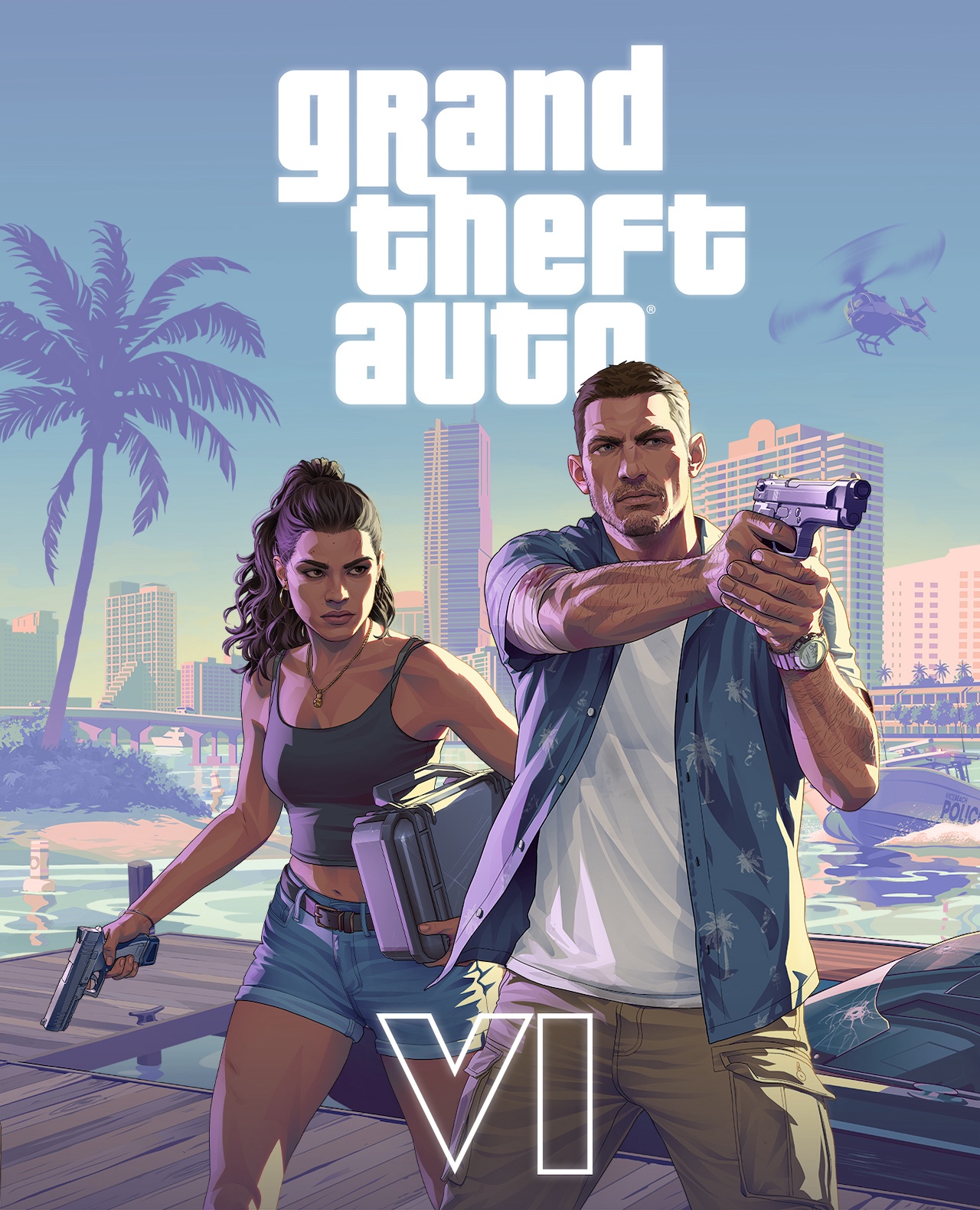
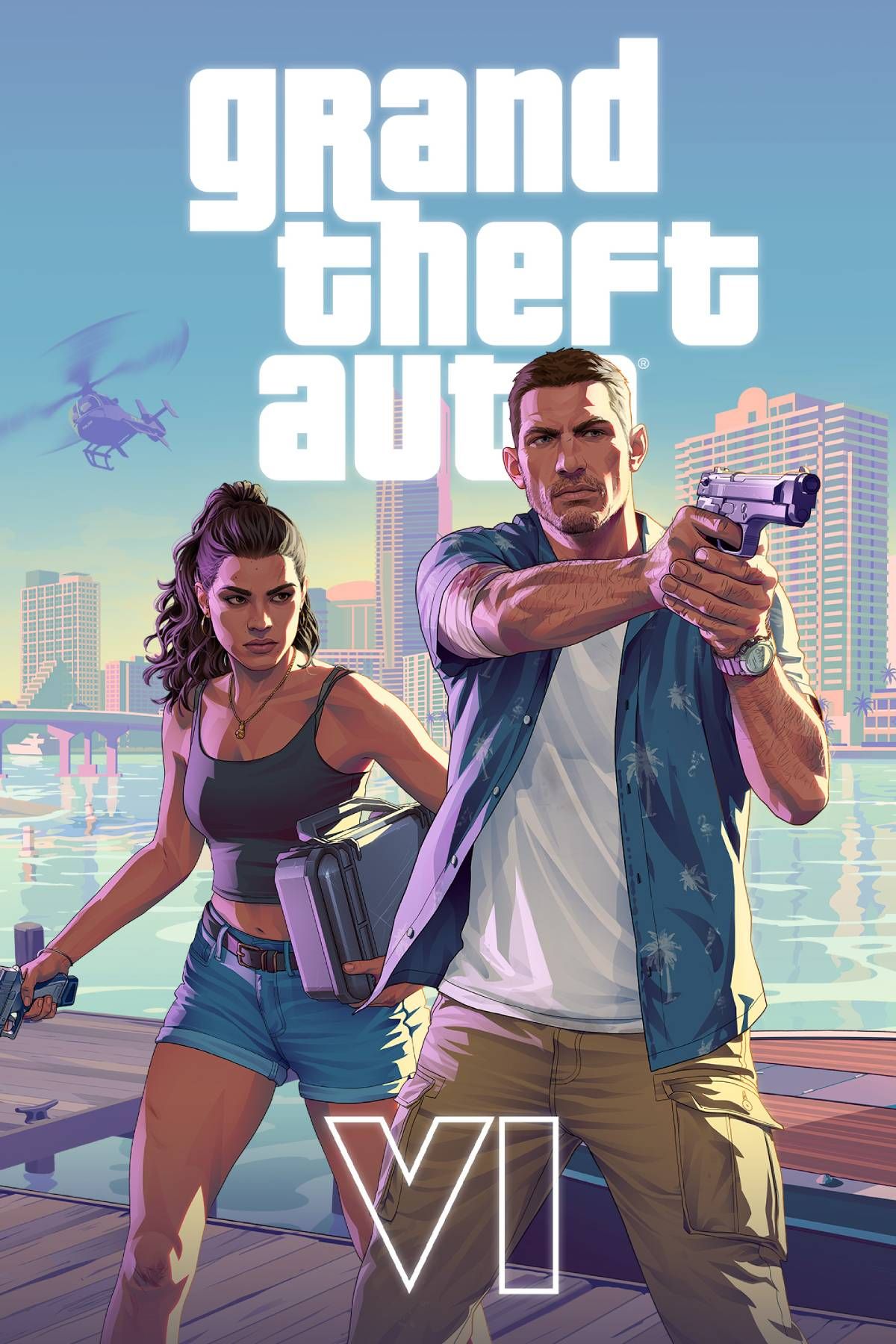
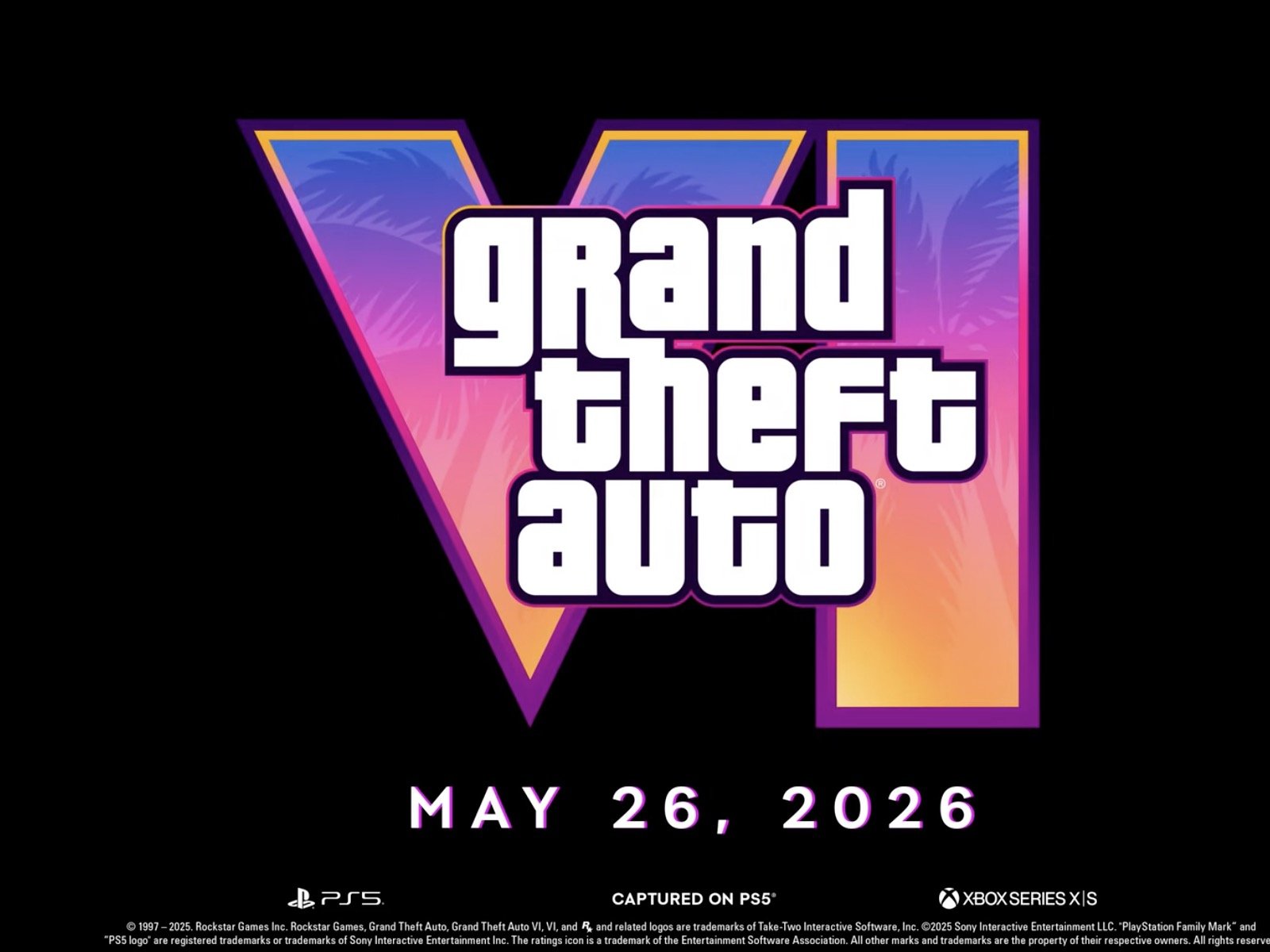
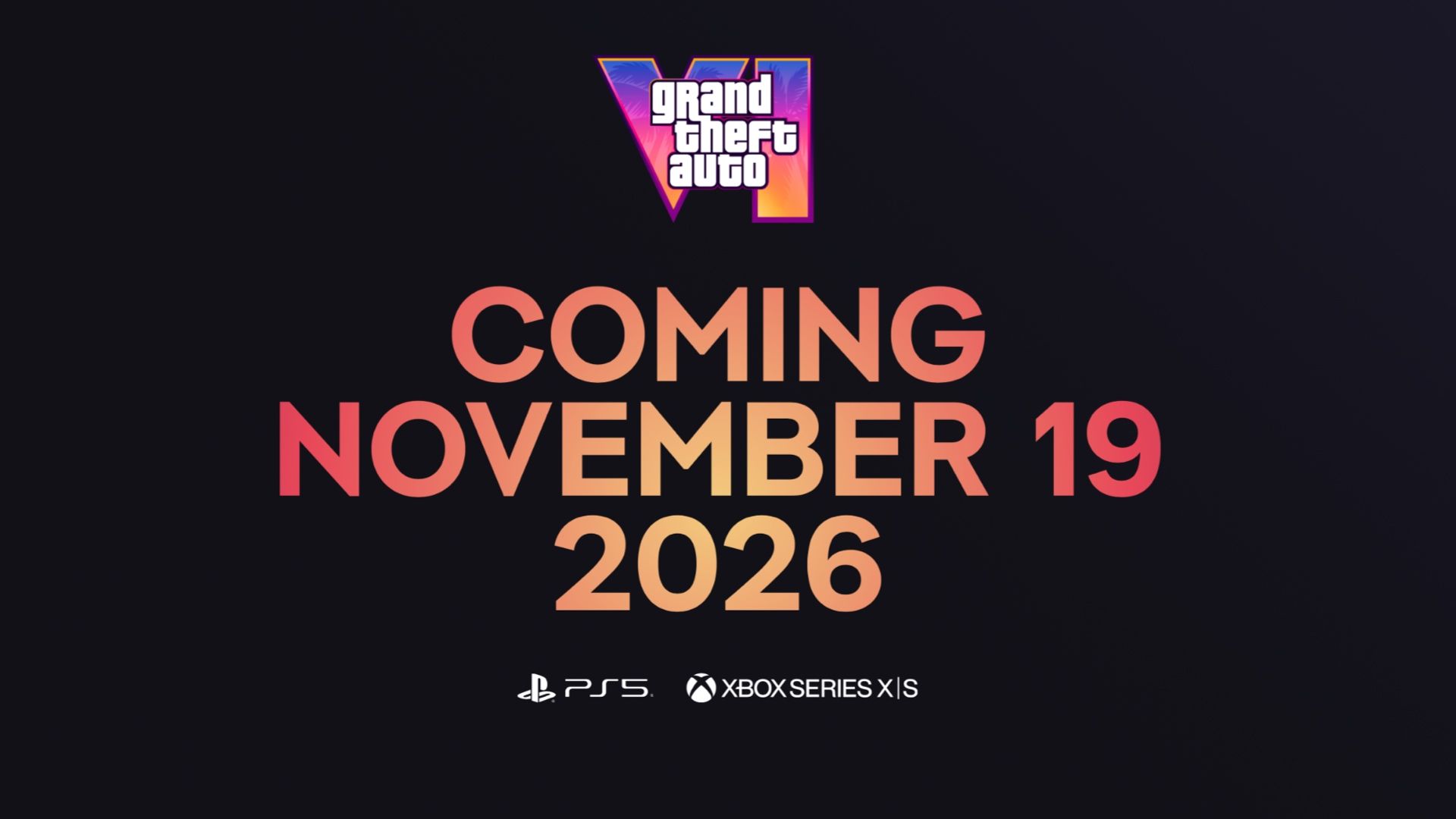
Grand Theft Auto VI Gta Vi Placeholder . GTA 6 Has An Early 2026 Release Date On PC It S Claimed Grand Theft Auto 6 Tag Page Cover Art . GTA 6 2026 Wallpapers Wallpaper Cave Wp15350334 . Rockstar Updates GTA 6 S Website After Delay Gta 6 Coming November 19 2026 Website Page . 1920x1200 Gta 6 2026 Game 1080P Resolution HD 4k Wallpapers Images Gta 6 2026 Game 3v


Is GTA 6 Coming To PC On Launch Day AltChar Gta 6 On Pc . 10 Most Anticipated Games Of 2026 Gta 6 Cover Art . GTA 6 Delayed Until 2026 PC Version Around 2028 Report Says Unbox Gta. 2560x1024 Gta 6 Game 2026 Wallpaper 2560x1024 Resolution HD 4k Gta 6 Game 2026 94 . GTA VI PC Release Date When Will GTA 6 Launch On PC After Console ChatGPT Image Jan 31 2026 10 00 18 PM Pixlyzer

GTA 6 Trailer 2 Is Here And So Is The Pain Of Waiting Until 2026 GTA 6 14 . Is Your PC Ready For GTA 6 Updated 2026 Gamingarden Is Your Pc Ready For Gta 6 Build Guide Specs Breakdown Updated 2026.webp. GTA 6 Could Reach PCs In Early 2026 According To Corsair But I M 1200 80 . GTA 6 SLIPPING TO 2026 WHAT IS GOING ON YouTube . GTA 6 PC Launch Check Expected Launch Date Price In India System Gta 6 Pc Launch Check Expected Launch Date Price In India System Maps Characters More


Will GTA 6 Release On PC In 2026 Beebom GTA 6 PC Release Date Featured . Is Your PC Ready For GTA 6 Updated 2026 Gamingarden Gta 6 Everything We Know So Far Updated April 2026.webp. GTA 6 PC Release Are Fans Right To Be Concerned GTA XTREME Gta 6 Comes Out After A Year From Now Thumbnail 1024x578 . GTA 6 GTA VI MOST ANTICIPATED GAME RELEASE 26 NOV 2026 327 DAYS Media. GTA 6 Slips Into 2026 YouTube



Rockstar Games Resmi Umumkan Tanggal Rilis GTA VI 19 November 2026 1775724302 . GTA 6 Release Date 2026 Everything You Need To Know About The Upcoming ChatGPT Image May 18 2025 01 51 22 AM . GTA 6 Trailer 3 Release Date Predictions March 2026 GTA 6 Trailer 3 . GTA 6 Update 2026 Release Date Delays And What To Expect SKUK GTA 6 The 2026 Countdown Begins . Rockstar Games Updates Official Website Ahead Of GTA 6 Release 1530129 1957211 Gta 6 Launch Rockstar Confirms Gta 6 Release Window As Fans Anticipate Trailer 2



GTA 6 Rockstar Games To Announce Grand Theft Auto VI This Week Gta 6 1 . Grand Theft Auto 6 May 2026 Launch Latest Updates Features Platforms GTA 6 3 . GTA 6 S PC Version Release Timeline Revealed What To Expect In 2026 Hqdefault . Will GTA 6 Release On PC In 2026 Beebom Gta 6 Game Screenshot From Trailer . GTA 6 S PC Version Release Timeline Revealed What To Expect In 2026 GTA 6s PC Version Launch Timeline Revealed - What To Expect In 2026 1024x538

Grand Theft Auto 6 PC Version Could Release In 2026 Hints Corsair CEO Gta 6 Vi Game . The Page For GTA 6 Has Been Opened It Can Be Revealed Tonight Gta 6 Release Date1 . GTA 6 Sur PC D S 2026 CORSAIR L Che Un Indice Important La Cr Me Du Selon Corsair La Sortie De Gta 6 Sur Pc Est Prevue Pour Debut 2026 750x410 . GTA 6 Release Officially Confirmed For Fall 2025 Updates Coming Soon Gta 6 Logo.webp. Most Anticipated Game Releases Of 2026 Fans Biggest Titles To Watch Gta 6