Discover how US gamers are leveraging the Steam Deck to redefine portable PC gaming. This comprehensive guide addresses common challenges like performance tuning, battery optimization, game compatibility, and balancing your gaming life with daily responsibilities. Learn practical tips for setup, finding budget-friendly accessories, and connecting with the vibrant Steam Deck community. We delve into expert advice on maximizing playtime, troubleshooting issues, and staying current with the latest software updates and game releases tailored for your on-the-go lifestyle. Whether you are a seasoned PC enthusiast or new to handhelds, get ready to unlock the full potential of your Steam Deck, ensuring seamless entertainment and skill-building wherever you are in the USA. Explore how this versatile device fits into the modern gamer's routine, offering both relaxation and competitive fun without compromise. With 87 percent of US gamers regularly engaging and many balancing over 10 hours a week, efficiency and value are paramount. This article cuts through the hype to offer real, actionable solutions for the average American gamer.
How do I set up my new Steam Deck in the USA for the first time?
Setting up your Steam Deck for the first time in the USA is straightforward. First, power it on and follow the on-screen prompts to connect to your Wi-Fi network. You'll then be prompted to log in with your existing Steam account or create a new one. Once logged in, the Steam Deck will automatically download necessary updates. After updates, navigate to your library, download your desired games, and you're ready to play! Consider using a fast internet connection for quicker downloads, especially if you have a large library.
What are the best methods to extend Steam Deck battery life while gaming?
Extending Steam Deck battery life is crucial for US gamers on the go. Start by lowering screen brightness; it's a significant power drain. In the Quick Access Menu (QAM), use the Performance Overlay to cap your game's frame rate to 30 or 40 FPS, and adjust the refresh rate accordingly. Enabling TDP (Thermal Design Power) limits, typically between 8-10W, and GPU clock frequency limits can also significantly conserve power without drastically impacting less demanding games. Using a Dark Mode theme and disabling Wi-Fi/Bluetooth when not in use further helps. These small adjustments can add hours to your playtime.
Where can US gamers find reliable Steam Deck repair services or parts?
For US gamers seeking reliable Steam Deck repair services or parts, your primary resource is Valve's official support. If your device is under warranty, contact Steam Support directly for repair or replacement options. For out-of-warranty repairs or if you prefer DIY, iFixit is an excellent resource. They partner with Valve to provide official parts, detailed repair guides, and tools specifically for the Steam Deck, making it easier for American users to access components like joysticks, screens, and batteries. Several reputable third-party repair shops across the USA also offer services, though always verify their credentials and reviews.
How do I access non-Steam games or emulators on my Steam Deck in America?
Accessing non-Steam games or emulators on your Steam Deck in America expands its versatility. Switch to Desktop Mode via the Power menu. For non-Steam games, simply add them as a non-Steam game in the Steam client (Add a Game bottom left) and force compatibility with Proton. For emulators, download popular ones like EmuDeck, which simplifies the setup process for a wide range of retro systems. EmuDeck installs emulators, EmulationStation frontend, and sets up controller profiles automatically. Always ensure you own the games you're emulating to stay within legal guidelines.
What are the best budget-friendly accessories for the Steam Deck available in the US?
Budget-friendly accessories can greatly enhance your Steam Deck experience for US gamers. A high-speed 512GB microSD card (around 50-70 USD) offers massive storage expansion. A basic USB-C hub (30-50 USD) allows you to connect to a TV and peripherals. A durable screen protector (10-20 USD) is a cheap way to prevent scratches. For protection, a simple, soft travel case (20-30 USD) is sufficient if you don't need a hard shell. Lastly, comfortable wired earbuds (20-40 USD) provide excellent audio without the premium cost of wireless options, delivering significant value for money.
Can I use my Steam Deck to stream games to a TV or monitor in the USA?
Yes, absolutely! You can easily use your Steam Deck to stream games to a TV or monitor in the USA, effectively turning it into a portable console. The most common method is using a USB-C hub or docking station that has an HDMI output. Simply connect the Steam Deck to the dock, then the dock to your TV via an HDMI cable. Your Steam Deck's display will mirror or extend to the larger screen. You can then connect a Bluetooth controller or a wired controller to the dock's USB ports for a comfortable living room gaming experience. This setup is perfect for social gaming or enjoying AAA titles on a bigger display.
How does Steam Deck cross-play work with PC or console friends in the US?
Steam Deck cross-play functionality primarily leverages its nature as a PC. For games that support cross-play between PC and other platforms (like Xbox, PlayStation, or Nintendo Switch), your Steam Deck will generally participate seamlessly as a PC. For instance, in titles like Fortnite, Apex Legends, or Call of Duty, you can often join lobbies with friends on other platforms. For PC-only multiplayer games, your Steam Deck can directly join your PC friends through Steam's built-in invite system. Always check a specific game's cross-play support as it varies, but the Steam Deck is designed to integrate into the broader PC gaming ecosystem.
Life in the USA often feels like a balancing act. You work hard, raise families, maintain friendships, and somewhere in that whirlwind, you try to carve out time for yourself. For many, that precious me-time involves gaming, a perfect escape or a way to connect. But let's be honest, fitting in a session with your PC or console isn't always easy. Maybe the living room TV is occupied, or your desktop setup feels too isolating after a long day. This is where the Steam Deck shines, offering a portable PC gaming experience that's perfectly tailored for the busy American gamer. It's not just a gadget; it's a tool to reclaim your gaming freedom, allowing you to jump into your favorite titles whether you're on the couch, commuting, or even during a quick break at work.
We know the drill: you want relaxation, fun, and perhaps a bit of skill-building, but without the hassle of complex setups or performance headaches. You're looking for value for money, not just hype. In 2026, with an estimated 87 percent of American adults regularly identifying as gamers and many dedicating over 10 hours a week, the demand for flexible, high-quality gaming solutions like the Steam Deck has never been higher. This guide is your trusted friend, offering practical solutions to common pain points – from getting started to maximizing performance, finding budget-friendly upgrades, and balancing your digital adventures with real life. Let's dive deep into how your Steam Deck can enhance your gaming journey across the USA.
How Can US Gamers Maximize Steam Deck Performance for Busy Schedules?
For the average American gamer, finding uninterrupted blocks of time can be challenging. The Steam Deck, with its instant-on suspend/resume feature, is a game-changer. To truly maximize performance within your limited windows, focus on a few key areas. First, prioritize verified games; Valve's 'Great on Deck' list ensures optimal performance out of the box, saving you precious setup time. For more demanding titles, delve into the Performance Overlay settings. Lowering resolution to 720p or adjusting graphics presets (medium settings often provide a great balance) can significantly boost frame rates and ensure smoother gameplay. Frame rate limiting, typically to 30 or 40 FPS, can also create a more consistent experience and conserve battery, making those quick sessions more impactful.
Secondly, consider the internal storage. While the base model offers limited space, upgrading to a larger NVMe SSD or utilizing a high-speed microSD card is a smart investment. This reduces load times, a crucial factor when you only have a few minutes to play. Regularly clear shader caches and temporary files, as these can accumulate and subtly degrade performance. Finally, keep your Steam Deck's operating system and game clients updated. Valve frequently releases performance enhancements and bug fixes that directly impact your gaming experience. These small optimizations add up, allowing you to dive straight into the action without wrestling with settings, perfect for fitting gaming into a packed day.
What Are the Must-Have Accessories for Your Steam Deck in the USA?
Investing in the right accessories can elevate your Steam Deck experience from good to great, especially for US gamers seeking convenience and longevity on a budget. A high-quality **protective case** is paramount; given its portability, bumps and drops are inevitable. Brands like JSAUX or Spigen offer robust options widely available across the USA. Next, a **microSD card** with ample storage (512GB or 1TB) is essential. With game sizes constantly growing, this provides cost-effective expansion. Look for A2-rated cards for faster loading speeds, crucial for a smooth experience.
For those extended sessions or when playing at home, a **USB-C hub with HDMI output** transforms your Deck into a versatile mini-PC, perfect for connecting to a TV, monitor, or even a keyboard and mouse. Many affordable docks are available, offering charging passthrough and multiple USB ports. A **portable power bank** is another must-have for gamers on the go; choose one with Power Delivery (PD) capabilities to ensure fast charging. Lastly, consider a **screen protector** to guard against scratches, and a comfortable pair of **wireless headphones** for immersive audio without disturbing others, ideal for commuters or late-night gaming.
Where Can US Steam Deck Owners Find the Best Game Deals and Free Titles?
Finding value for money is always a priority, and the Steam Deck opens up a world of deals for US gamers. The most obvious place is the **Steam Store itself**, which regularly features massive sales (Summer Sale, Winter Sale, publisher sales) where you can snag AAA titles and indie gems at deep discounts. Make sure to wishlist games to get notifications when prices drop.
Beyond Steam, keep an eye on other PC storefronts that offer Steam keys. Sites like **Fanatical, Humble Bundle, Green Man Gaming, and GOG** frequently have sales that can be even better than Steam's. These keys are often redeemable directly on Steam. Don't forget the burgeoning market of **free-to-play (F2P) games**; titles like Apex Legends, Destiny 2, and Paladins are not only free but also offer extensive content and social play. Additionally, services like **PC Game Pass (via cloud streaming or Windows installation)**, while requiring some setup effort, can unlock a vast library of games for a monthly subscription, representing incredible value for the budget-conscious gamer. Always compare prices across platforms before making a purchase.
How Do I Troubleshoot Common Steam Deck Issues Specific to US Users?
Even the most seasoned US gamers can run into snags with new hardware. The Steam Deck, while robust, isn't immune. One common issue is **Wi-Fi connectivity drops or slow speeds**. This can often be resolved by changing your router's Wi-Fi channel (usually done through your router's admin page) or ensuring your Steam Deck is on a 5GHz network for better performance. If you're experiencing **game crashes or freezes**, especially after an update, try verifying the integrity of game files via Steam. For more persistent problems, switching to the Beta or Stable channel in the Steam Deck's system settings can sometimes resolve unforeseen software conflicts. Remember, US users have a strong online community.
Another frequent pain point is **external display issues** when connecting to a TV or monitor. Ensure your USB-C hub or dock is fully compatible with the Steam Deck's display output capabilities. Sometimes, simply restarting both the Steam Deck and the display device can clear up connection glitches. If a specific game isn't launching, try running it with a different Proton version. Proton GE (Glorious Eggroll) is a community-maintained compatibility layer that often fixes issues with games not officially supported. Valve's support pages and the official Steam Deck subreddit are excellent resources for US-specific troubleshooting tips and community-driven solutions.
Is the Steam Deck Right for Social Gaming and Connecting with Friends in the US?
Absolutely! The Steam Deck excels at facilitating social gaming, catering to the trend where Gen Z and Millennials value connection over pure competition. While it's a single-player handheld, its ability to run virtually any PC game means you're connected to the vast Steam ecosystem. This allows you to join your friends in popular titles that support **cross-play with PC**, whether they're on their desktops or other devices. Imagine joining your buddies for a round of Counter-Strike 2 or Lethal Company from the comfort of your couch.
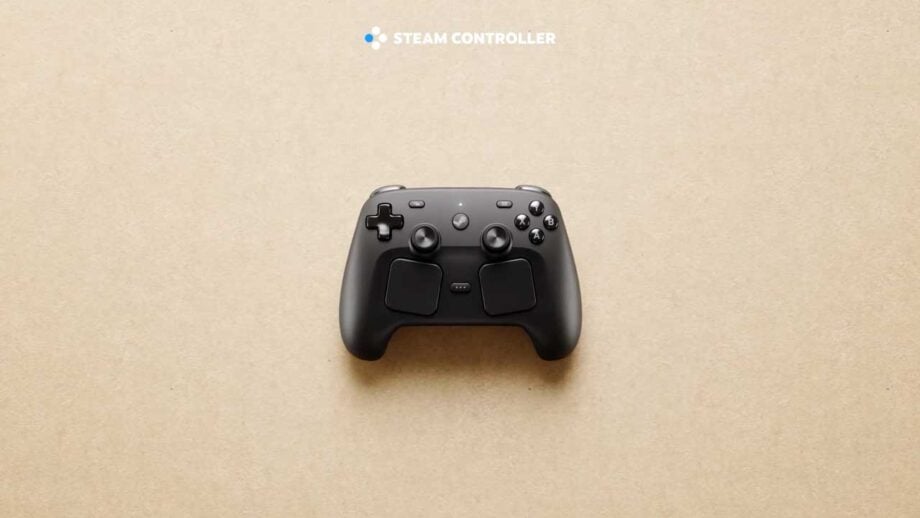
Furthermore, the Steam Deck seamlessly integrates with **Discord**, the go-to platform for voice chat and community building among US gamers. You can run Discord in Desktop Mode or even stream your gameplay to friends. For more direct social play, local multiplayer games often work well, especially when docked. Connecting wireless controllers (Xbox, PlayStation, or Steam Controllers) to your Steam Deck turns it into a compact console for cooperative or competitive fun with friends or family in the same room. The portability factor even makes it ideal for impromptu gaming meetups, reflecting the growing trend of social, cozy gaming experiences.
What Are the Best Games for Limited Playtime on the Steam Deck in 2026?
For US gamers balancing work, family, and life, quick, rewarding gaming sessions are key. The Steam Deck's instant-on feature makes it perfect for bite-sized adventures. Look for games with clear objectives, natural stopping points, or roguelike mechanics that thrive on short bursts. Here are some top recommendations for 2026:
- Hades: Fast-paced action roguelike with satisfying runs that last 15-30 minutes. Perfect for picking up and putting down.
- Vampire Survivors: An incredibly addictive and simple bullet-hell game where runs are timed at 15-30 minutes. High replayability and ideal for quick dopamine hits.
- Stardew Valley: While it can be a time sink, individual in-game days are short, making it easy to manage your farm in 10-20 minute sessions. A great relaxing option.
- Among Us: Perfect for social gaming with friends online, matches are quick and intense, fitting well into short breaks.
- Portal 2: Short, self-contained puzzle levels make it easy to complete a few chambers in a quick session.
- Rocket League: Fast-paced competitive matches that typically last 5-7 minutes. Great for quick adrenaline boosts.
- Dead Cells: Another excellent roguelike with satisfying combat and progression that encourages short, focused play sessions.
These titles offer deep gameplay loops without demanding hours of your time, ensuring you get your gaming fix efficiently.
How Can I Balance My Gaming Hobby with Work and Family Life Using the Steam Deck?
Balancing gaming with other life responsibilities is a common concern for the average US gamer, especially those around 36 with jobs and families. The Steam Deck can be a powerful ally in this. Its portability allows you to game in moments that would otherwise be downtime – during a lunch break, while waiting for appointments, or for a quick 30-minute unwind after the kids are asleep without hogging the main TV. This compartmentalization helps prevent gaming from encroaching on essential tasks.
Set realistic boundaries for yourself. Treat gaming sessions like any other appointment. Instead of
Portable PC Gaming redefined for US gamers. Seamless setup and game library access. Optimized performance for on-the-go play. Community connection and social gaming features. Budget-friendly upgrade paths and accessories. Balancing life and gaming with efficient play sessions. Addressing common troubleshooting for American users. Staying updated with 2026 gaming trends.
35

Steam Deck OLED En 2026 Merece La Pena Comprarla An Lisis Completo Steam Deck Oled En 2026 Merece La Pena Comprarla Analisis Completo 1024x768 . Steam Deck OLED Price Rising In March 2026 Outlook Respawn Steam Deck . Is The Steam Deck Still Relevant In 2026 LevelUpTalk Steam Deck Comparison 01 26 2026 F28a9009 2cef 4269 B85f. Steam Deck Ainda Vale A Pena Em 2026 An Lise Completa 3 Anos Depois Steam Deck Ainda Vale A Pena Em 2026 Analise Completa 3 Anos Depois 1536x864 . Is Buying A Steam Deck Still Worth It In 2025 Steam Deck Next To A Switch And An Asus Rog Ally
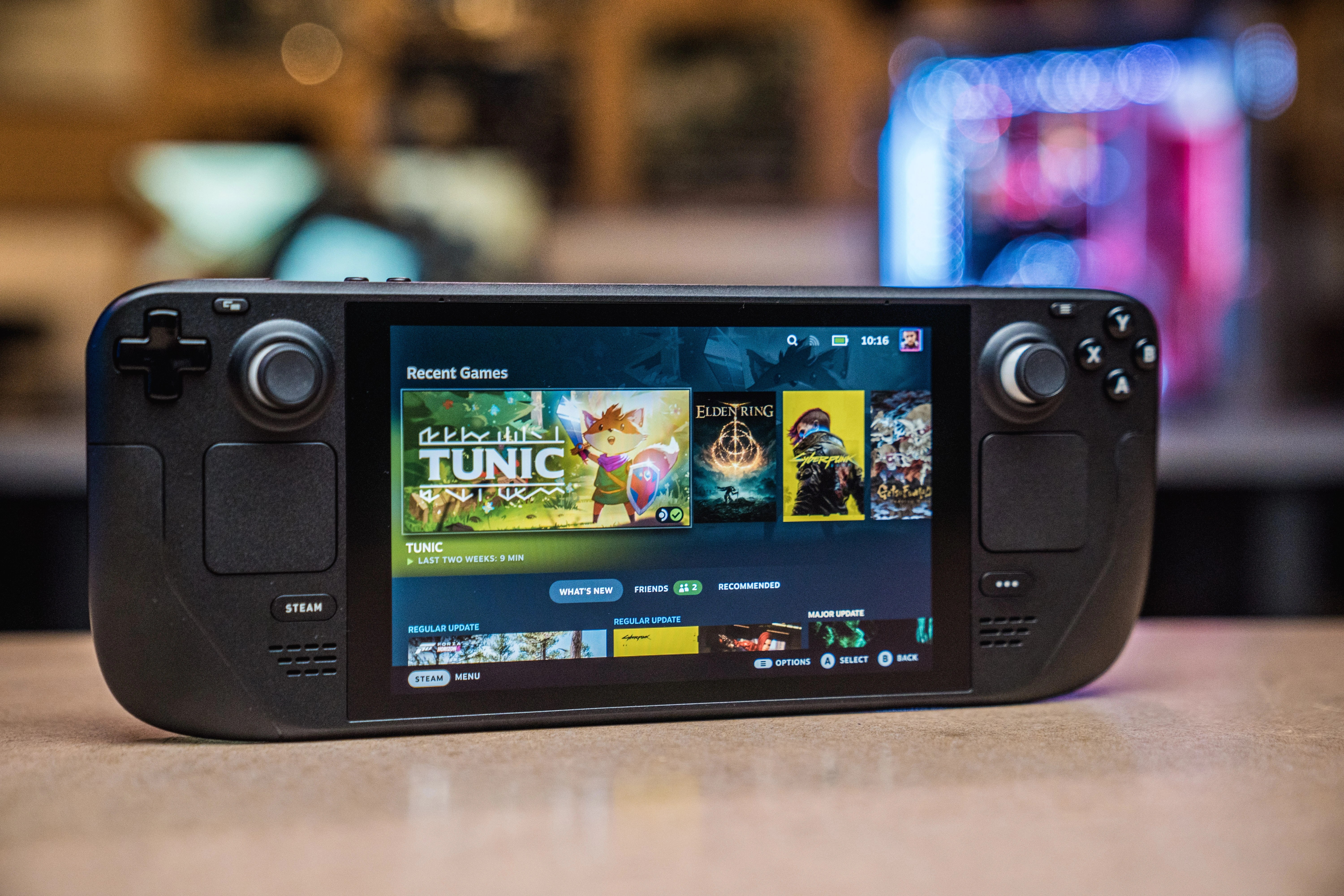



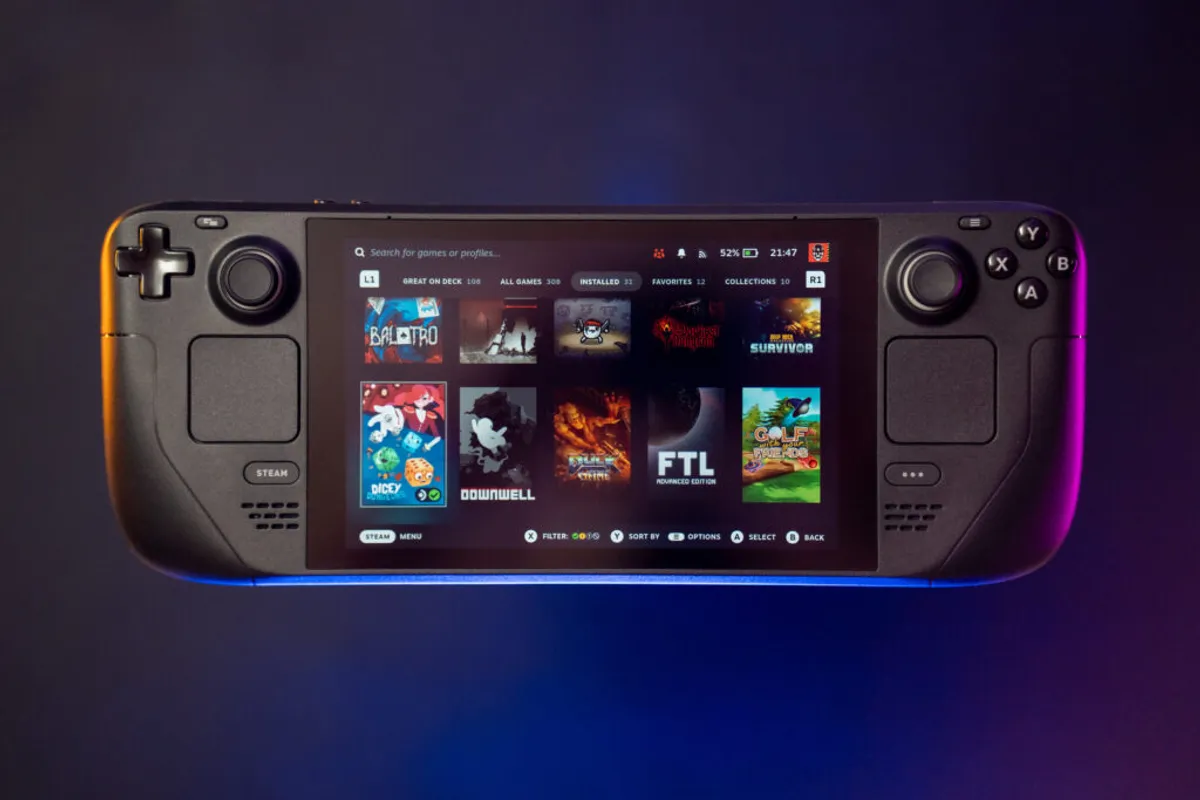
The Best PC Hardware And Software Of 2025 2026 PCWorld PPH22 054 SteamDeck 01.webp. Steam Deck OLED In 2026 Review Performance Value And Buying Advice GeForce Now Ultimate Steam Deck 3 . Should You Buy A Steam Deck In Late 2025 2026 Honest Review YouTube . Steam Deck Announces Exciting New Video Game Console Set Steam Deck Announces Exciting New Video Game Console Set For 2026 Launch Gaming News Update . Steam Deck LCD Review 2026 Still Worth It Vs OLED Uhtpi.webp
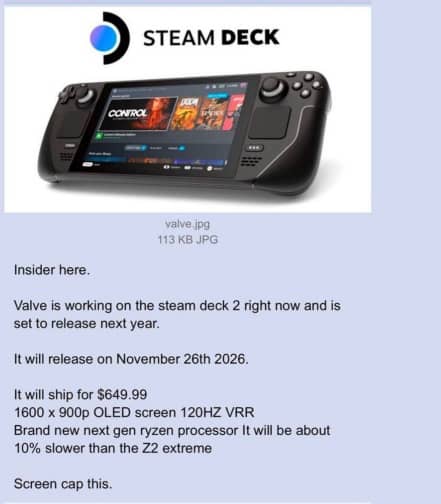
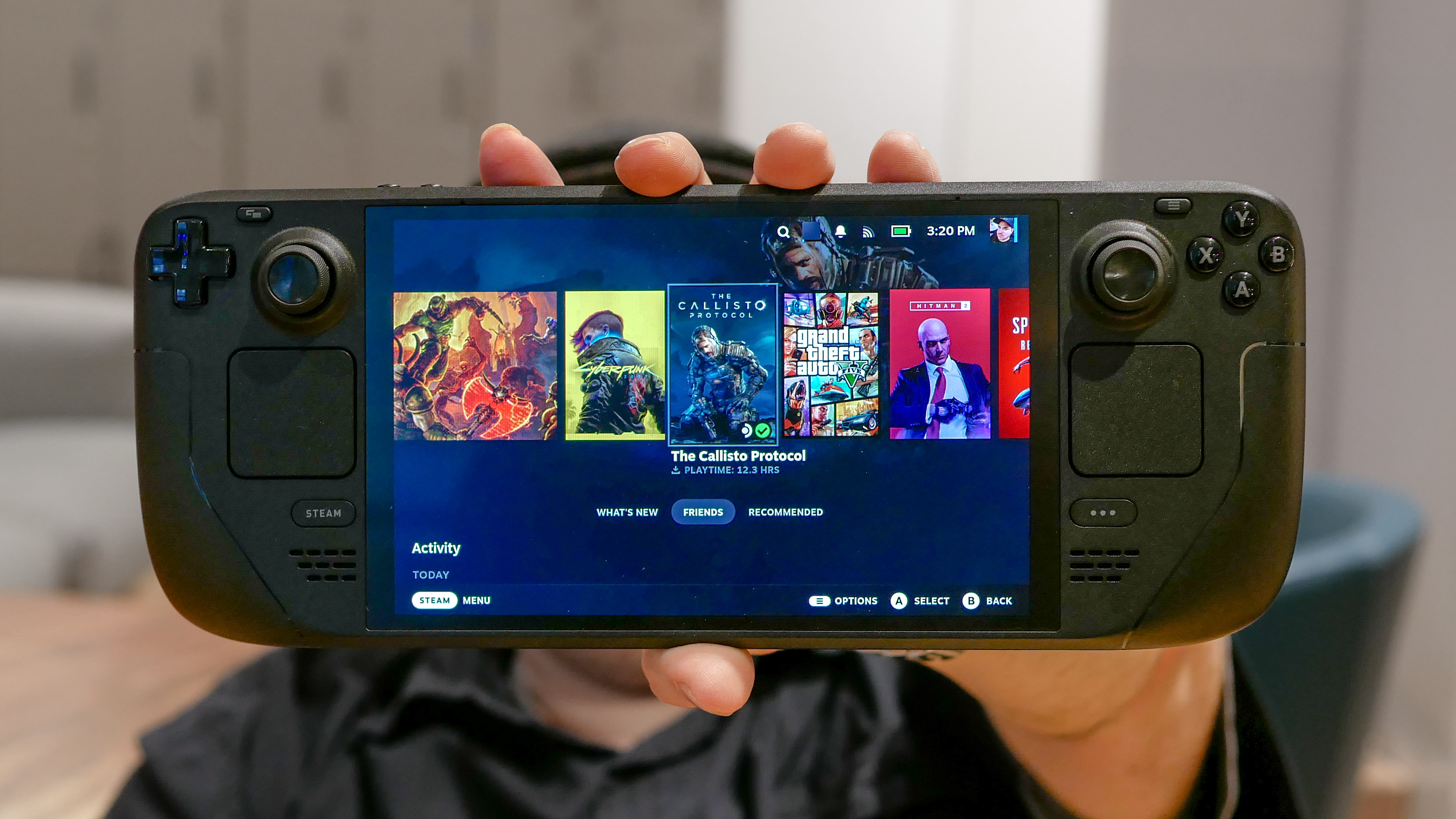


Steam Deck 2 Coming November 26 2026 With 120Hz OLED Display New Sd2 . Is The Steam Deck Still Worth It In 2025 I D Argue Yes But With . Steam Deck OLED In 2026 Review Performance Value And Buying Advice Stream Ps5 Games On Steam Deck Oled.webp. Is The Steam Deck OLED Still Worth It In 2026 YouTube . With Steam Decks Selling Out And Game Pass Future Uncertain How Will Steam Deck Over A Green Glowing Background


Is The Steam Deck Still Worth It In 2026. When Will Steam Deck Consoles Be Back In Stock Out Of Stock Status Steamdeck 1024x597 . Is The Steam Deck Still Worth It In 2026. Steam Deck Maker To Launch New Video Game Console In 2026 Gaming News. Steam Deck OLED Review 2026 Performance Battery Life Display GeForce Now Ultimate Steam Deck 5



Forget About A New Steam Deck Until At Least 2026 This Is Everything Steamdeck 2027 NUEVA 1 . Steam Deck In 2026 The Most Affordable Gaming Option NoobFeed GeForce Now Ultimate Steam Deck Cover . Steam Deck OLED Sells Out In The US At Valve S Official Store Here Are Steam Deck In Stock In UK 1024x636 . 10 Best Steam Deck Deals March 2026 OLED Vs LCD Price Comparison Best Steam Deck Deals 1024x559 . Steam Deck OLED Vs ROG Ally In 2026 Price Performance And Best Value Steam Deck
15 Best Black Friday Steam Deck Deals May 2026 Tested B0B7KFFKT5 Customer 2 1536x824 . 15 Best Black Friday Steam Deck Deals March 2026 Complete Guide B0CP2YVFD4 Customer 1 768x1024 . 15 Best Black Friday Steam Deck Deals March 2026 Complete Guide B0CP47RBX3 Customer 1 1152x1536 . Valve Announces Steam Hardware Family Launching In 2026 Valve Announces Steam Hardware Family Launching In 2026 3 920x518 . 15 Best Black Friday Steam Deck Deals May 2026 Tested B0B55ZD4HL Customer 2 1152x1536


Steam Deck Verified Games Steambase Social Media Image . Steam Deck 2 2026 Release Preview Steam Deck 2 Preview When Is It Coming In 2026 Banner.webp. Steam Deck Starter Guide Everything You Need To Know To Start Gaming How Proton Steam Deck Works . Your Guide To Getting A Steam Deck In 2026 LevelUpTalk Steam Deck Console 02 19 2026 00fa7ed9 51b8 4785 A153. Steam Deck 2 Could Arrive As Late As 2026 Valve Doesn T See It